Run Autopilot: from trends to finished listings
Let Autopilot research what’s selling now, design original products and write Etsy-ready listings.
Video · 2:06 · Recorded Sep 25, 2026
What you’ll learn
- Starting a run: how many, which products, which shop
- What the trend research looks at
- Reviewing each item’s checks before anything goes live
Transcript
Autopilot researches what's trending, designs original products, and writes Etsy-ready listings for you. Here's how to run it.
Choose how many listings to make, and which products. Listings are spread evenly across the products you pick.
Pick the Printify store they go to: the one that's linked to your Etsy shop.
Add a focus if you like, such as dog lovers or cozy autumn. Then choose where ideas come from: the seasonal calendar, news and search trends, social buzz, and your own best sellers.
Every idea is original. Autopilot never copies other sellers, and never scrapes Etsy.
Set your markup on the Printify cost, and the minimum profit you want from each sale, after Etsy's fees.
By default, finished listings are saved as drafts for you to review. Or publish automatically: only listings that pass every check go live, and only once you've confirmed Printify is set as your production partner on Etsy.
We'll keep drafts. On the right you'll see exactly what will be made and the estimated credits. Then click Start autopilot.
Research takes a minute or two. Then each listing is designed, checked and created in turn, and this page updates as it goes. Here's a finished run.
Each listing shows its design, title and prices, and the checks it passed: a trademark and policy screen, print file quality, spelling, Etsy's listing rules, and your profit per sale.
Anything flagged waits for you. Open the design or the product to check it, then publish drafts one at a time, or every ready draft at once.
Back on the Autopilot page, the latest trend research shows upcoming events and the opportunities it found, with its sources. Another run today with the same settings reuses it, so you don't pay for research twice.
Up next: tracking your orders.
More tutorials
 0:57
Selling
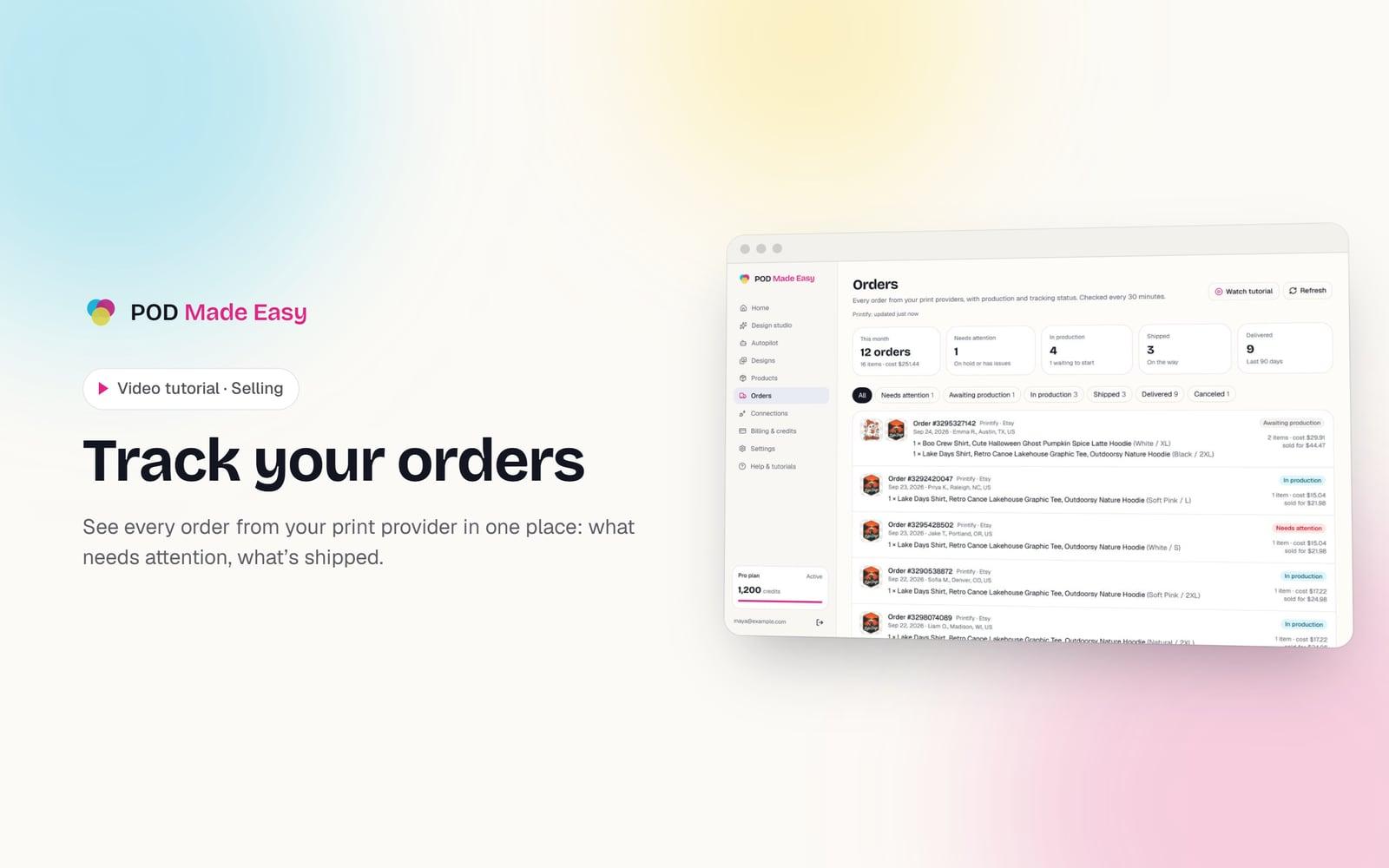
Track your orders
See every order from your print provider in one place: what needs attention, what’s shipped.
 1:28
Getting started
Take the tour: your POD Made Easy studio
A quick look around: the setup checklist, every page in the sidebar, and how credits work.
 1:11
Getting started
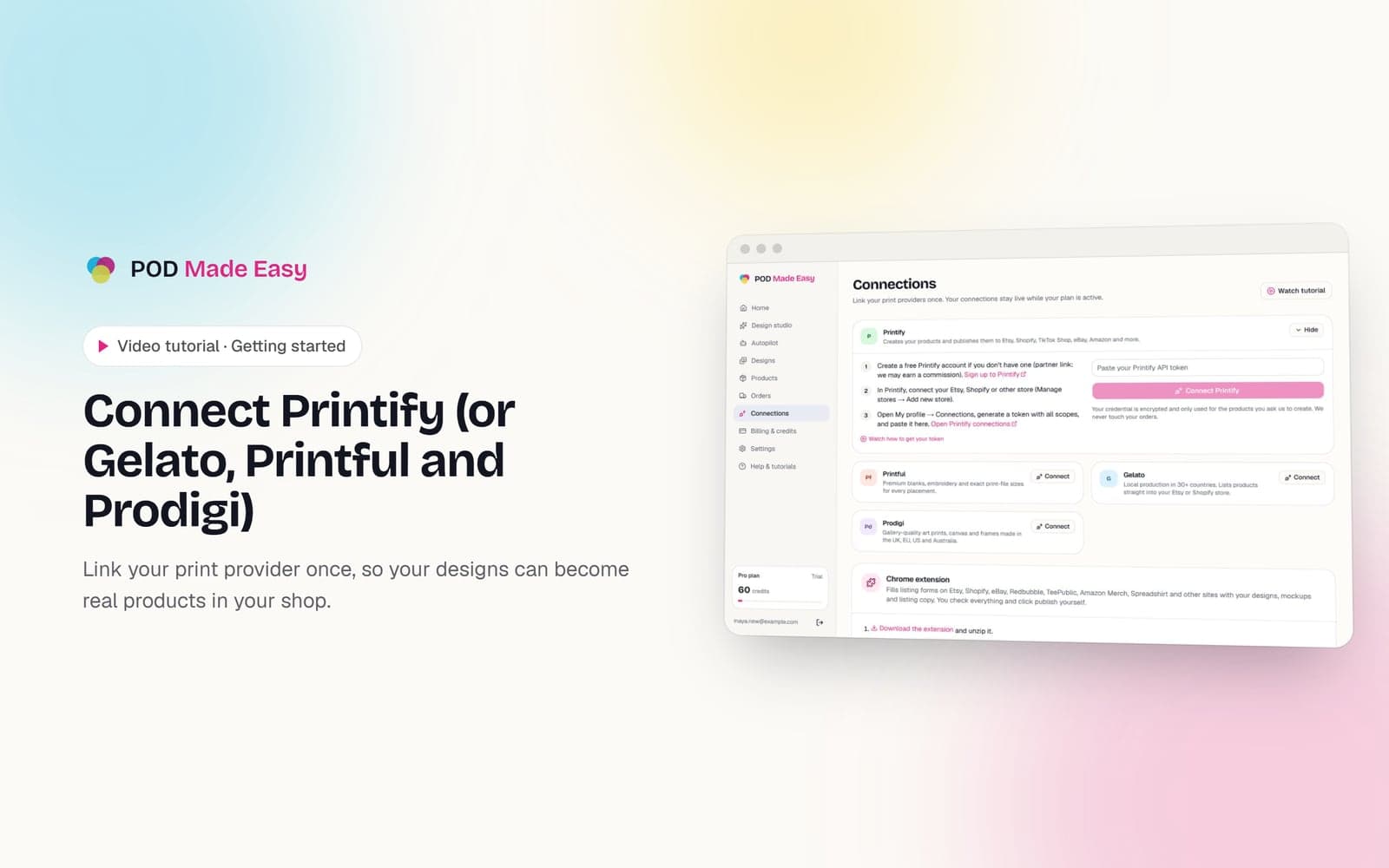
Connect Printify (or Gelato, Printful and Prodigi)
Link your print provider once, so your designs can become real products in your shop.
Guides on this topic

Business
Print-on-Demand Automation: What to Automate (and What Not)
Print-on-demand automation done safely: which steps to automate, which need a human check, which break marketplace rules, and how much time each saves.
Sep 24, 2026 · 10 min read

Niches & trends
Print-on-Demand Seasonal Calendar 2026–27: When to List
A print-on-demand seasonal calendar for Oct 2026 to Sept 2027: verified holiday dates, when to list, and a safe order-by date for every big event.
Sep 24, 2026 · 13 min read

Niches & trends
Print-on-Demand Niches: 50 Ideas and How to Validate Them
How to find profitable print-on-demand niches in 2026: a simple niche formula, a free 30-minute validation check, 50 niche ideas and when to list seasonal ones.
Sep 24, 2026 · 12 min read
Your next best-seller is one sentence away.
Start your 7-day trial and publish your first product today.
Start free trial