Take the tour: your POD Made Easy studio
A quick look around: the setup checklist, every page in the sidebar, and how credits work.
Video · 1:28 · Recorded Sep 25, 2026
What you’ll learn
- The three steps that get your first product made
- What each page in the sidebar is for
- Where to see your plan and credits
Transcript
Welcome to POD Made Easy! In the next couple of minutes, I'll show you around your studio, so you know where everything is.
This is Home. The Get set up checklist takes you to your first product: connect your print provider, create a design, then make it a product.
Each step has a Start button, and a short video if you'd like to see how it works first.
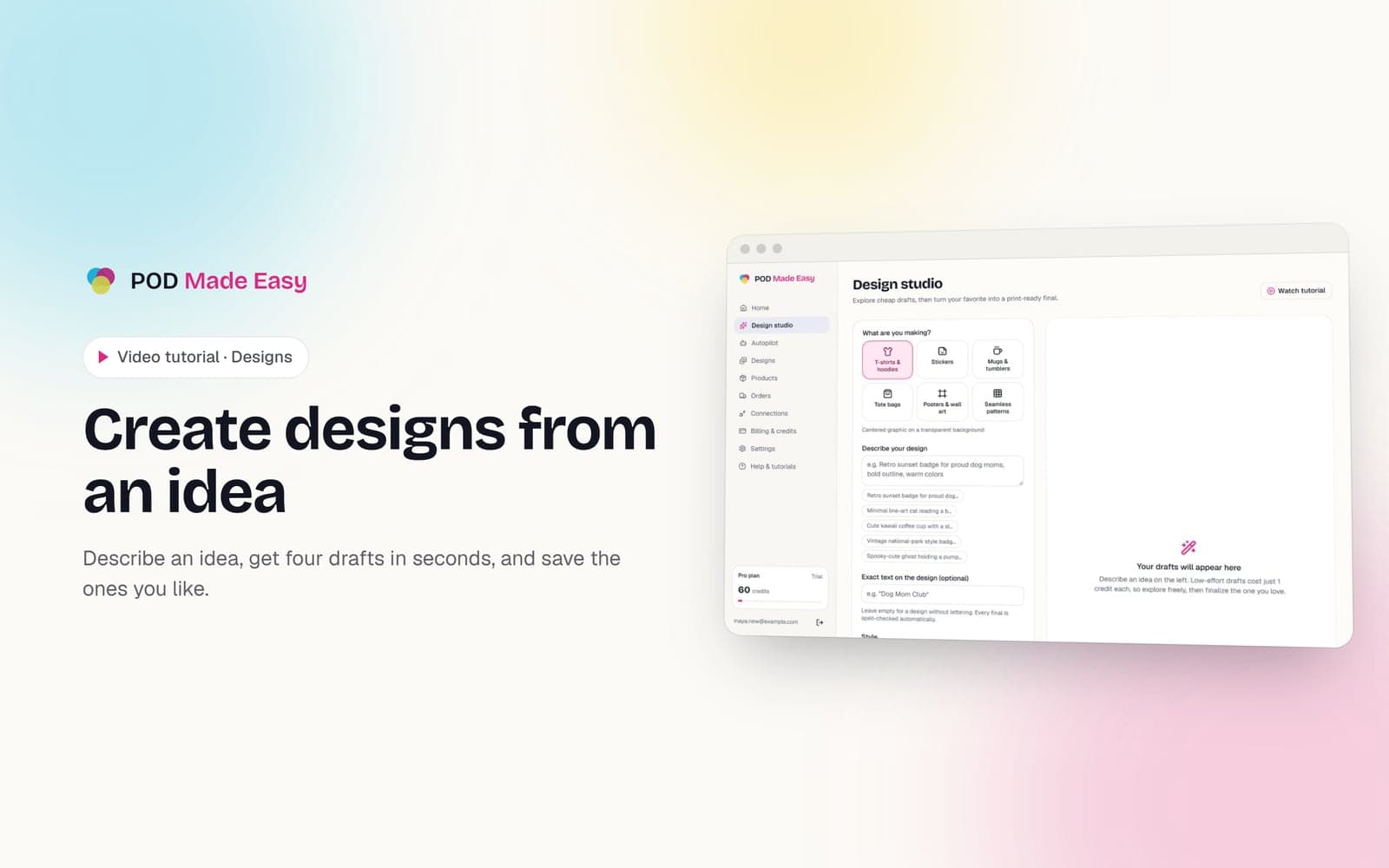
Everything else lives in the sidebar. The Design studio turns your ideas into designs, and Autopilot finds what's trending and turns it into finished listings for you.
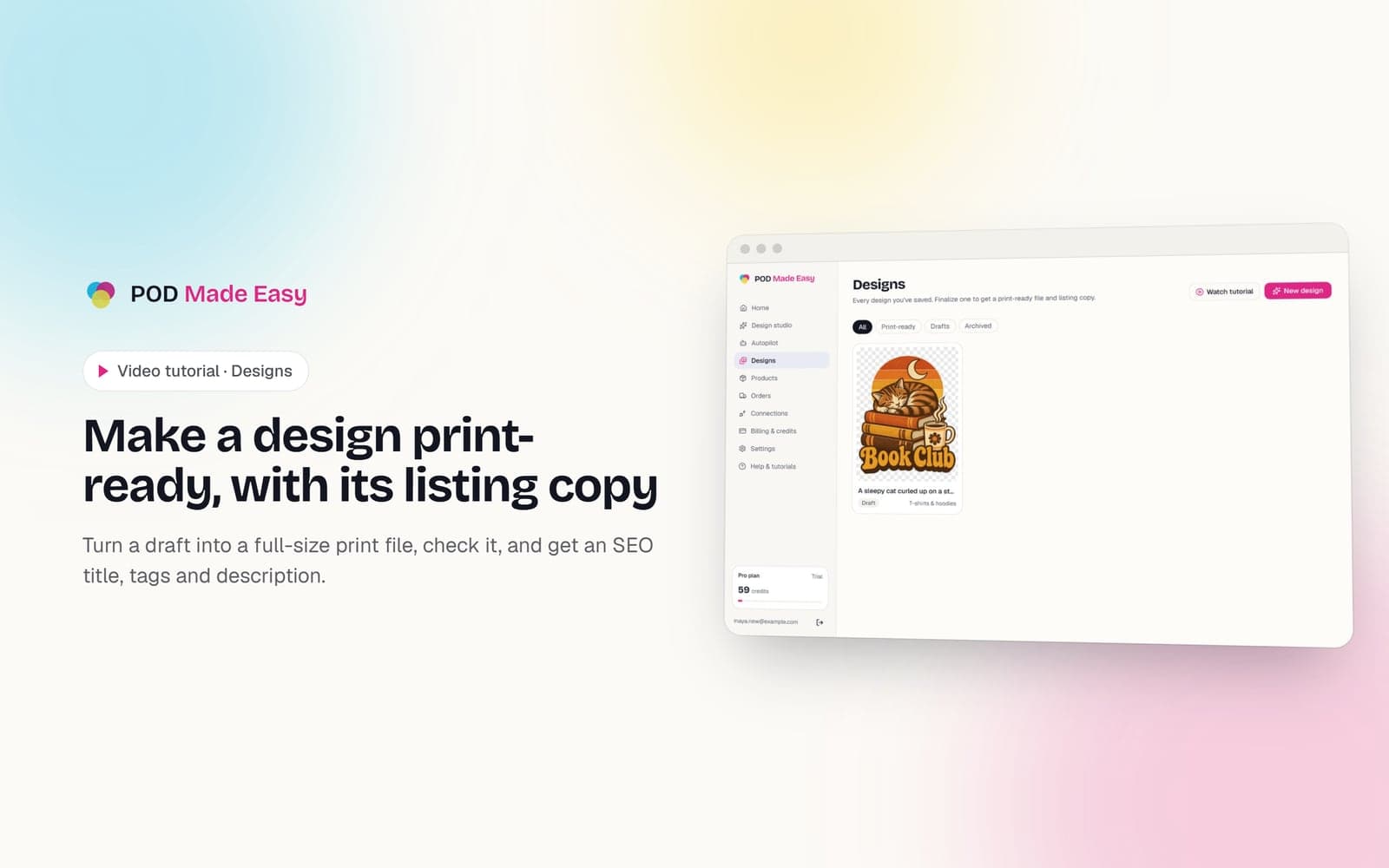
Designs keeps everything you've saved, Products lists what you've created with your print provider, and Orders tracks your sales.
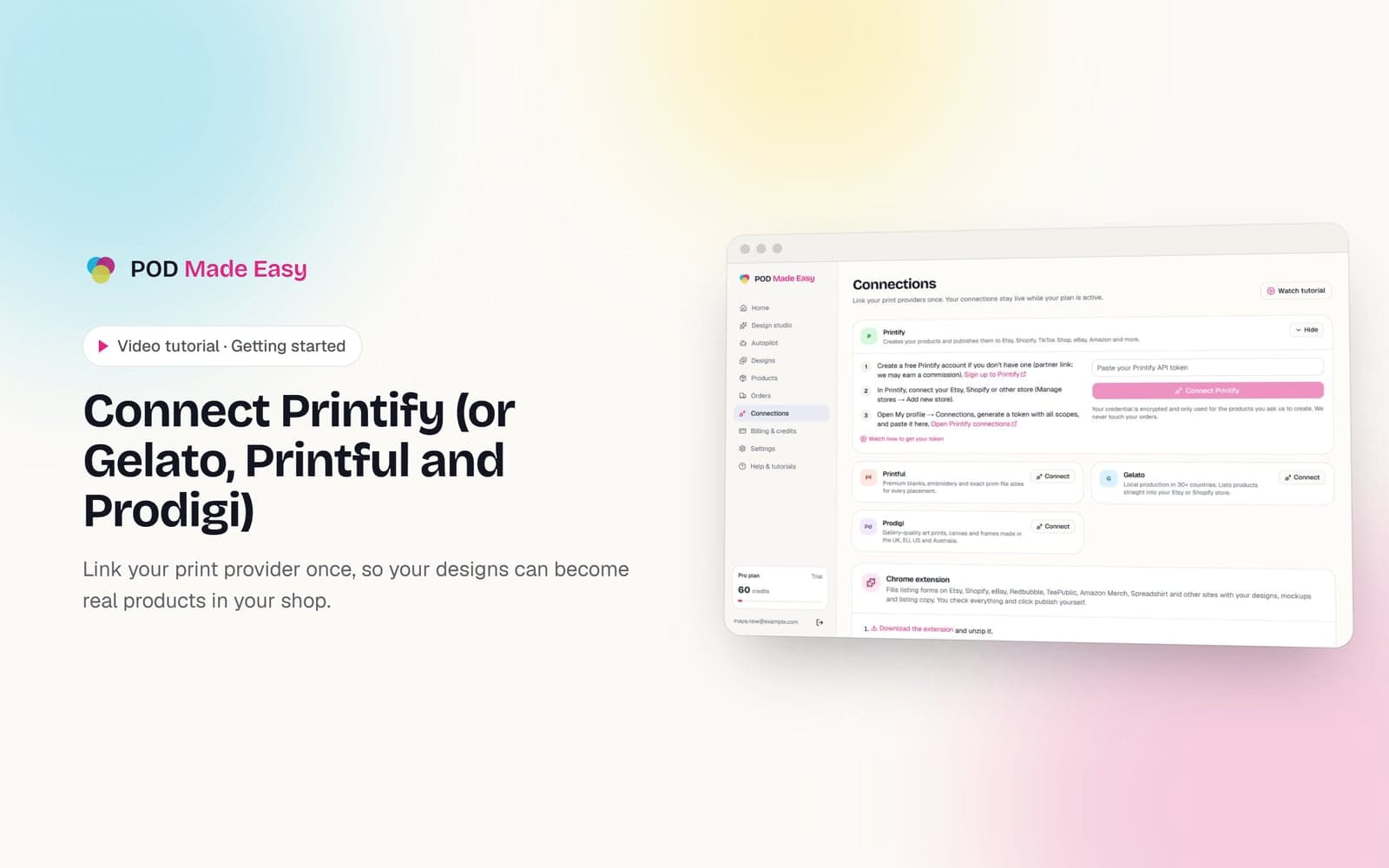
Connections is where you link Printify and the Chrome extension. Billing and Settings hold your plan and your listing defaults.
Down here are your plan and your credits. Credits pay for the AI work, and a draft design costs as little as one credit.
Your free trial comes with 60 credits. Your plan's full monthly credits arrive with your first payment, and any you don't use roll over.
Stuck? Most pages have a Watch tutorial button at the top, and Help and tutorials has every video in one place.
Ready? Head back Home, and start by connecting your print provider.
Up next: connecting Printify.
More tutorials
 1:11
1:11Getting started
Connect Printify (or Gelato, Printful and Prodigi)
Link your print provider once, so your designs can become real products in your shop.
 1:33
1:33Designs
Create designs from an idea
Describe an idea, get four drafts in seconds, and save the ones you like.
 1:36
1:36Designs
Make a design print-ready, with its listing copy
Turn a draft into a full-size print file, check it, and get an SEO title, tags and description.
Your next best-seller is one sentence away.
Start your 7-day trial and publish your first product today.
Start free trial