Create designs from an idea
Describe an idea, get four drafts in seconds, and save the ones you like.
Video · 1:33 · Recorded Sep 25, 2026
What you’ll learn
- How to describe an idea so the drafts come out right
- Choosing the product, style and effort level
- Saving drafts and trying again
Transcript
Let's turn an idea into designs. You'll describe what you want, pick a product and a style, and get four drafts to choose from.
First, choose what you're making. For t-shirts and hoodies, you get one centered design on a transparent background.
Then describe the design in plain words: the subject, the mood, and any colors you like.
Want words on it? Type them exactly here. Every print-ready final gets its spelling checked automatically.
Pick a style, or leave it as described.
Image effort sets the quality. Low costs one credit per draft, which is perfect for exploring. Medium and High add detail for your best ideas.
Choose how many drafts you'd like, then click Generate. Four low-effort drafts cost four credits.
Your drafts appear on the right as soon as they're ready.
Hover over a draft to keep it. The bookmark saves it to your Designs, and Use this opens it, ready to make print-ready.
Not quite right? Change the description or the style and generate again. Every batch stays here, so you can compare.
I like this one. Click Use this.
It's saved in your Designs, and this is where you make it print-ready.
Next, we'll make this draft print-ready and get its listing written.
More tutorials
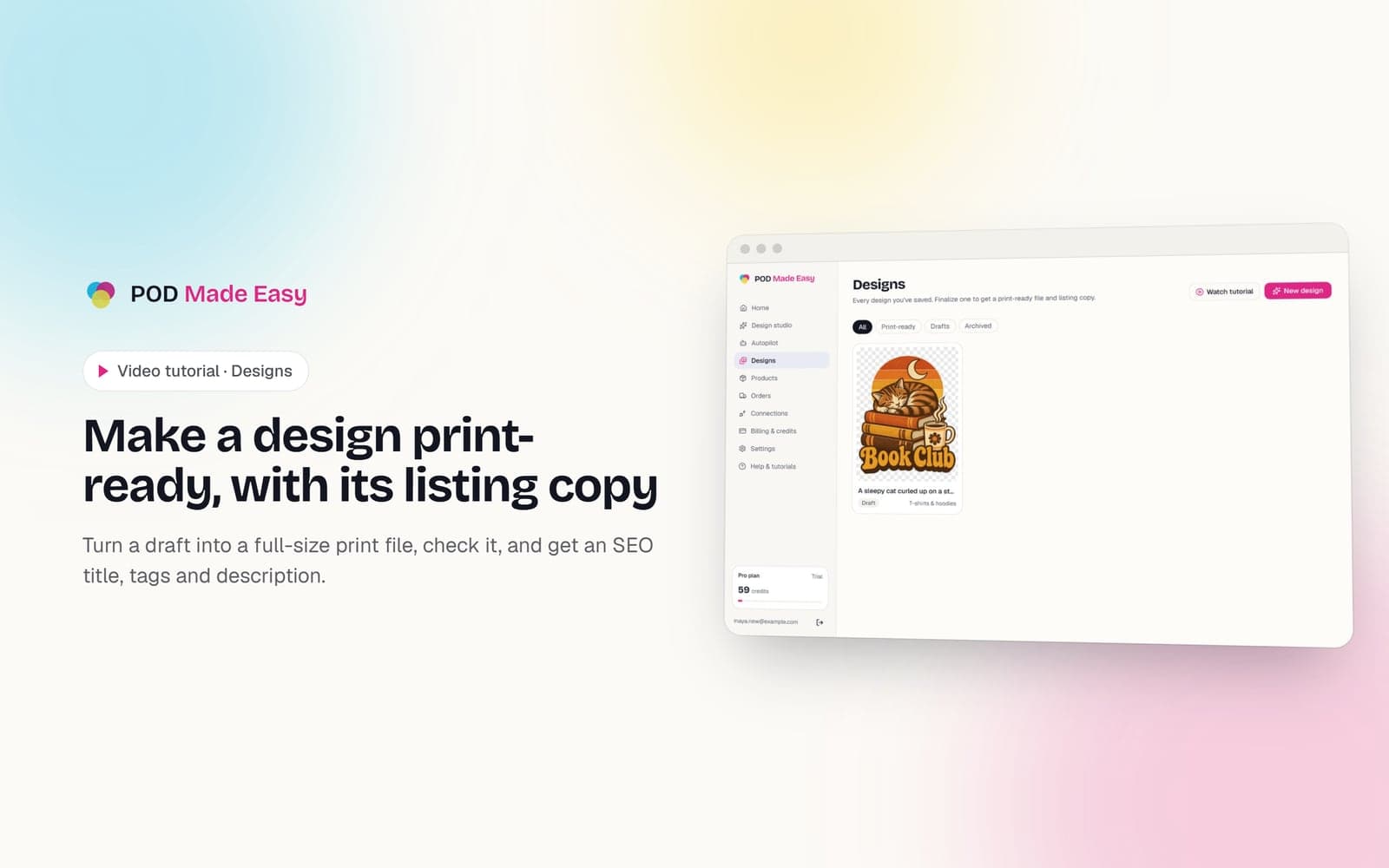 1:36
1:36Designs
Make a design print-ready, with its listing copy
Turn a draft into a full-size print file, check it, and get an SEO title, tags and description.
 1:28
1:28Getting started
Take the tour: your POD Made Easy studio
A quick look around: the setup checklist, every page in the sidebar, and how credits work.
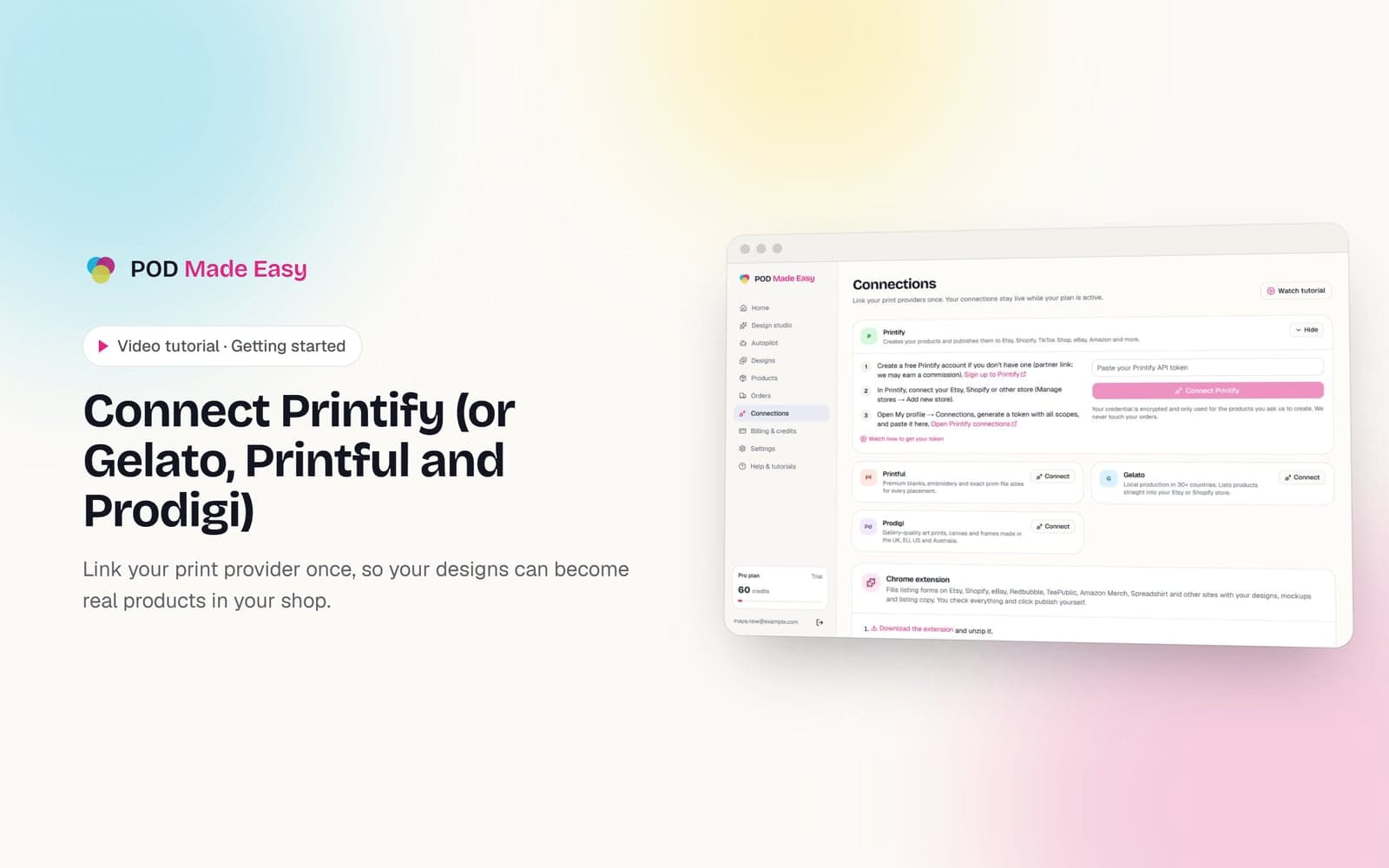 1:11
1:11Getting started
Connect Printify (or Gelato, Printful and Prodigi)
Link your print provider once, so your designs can become real products in your shop.
Your next best-seller is one sentence away.
Start your 7-day trial and publish your first product today.
Start free trial