How to Design T-Shirts With AI That Sell (2026 Workflow)
How to design t-shirts with AI that sell: pick a buyer, write prompts that print well, draft cheaply, make a print-ready final, proofread and build on winners.
By the POD Made Easy team · September 24, 2026 · 11 min read
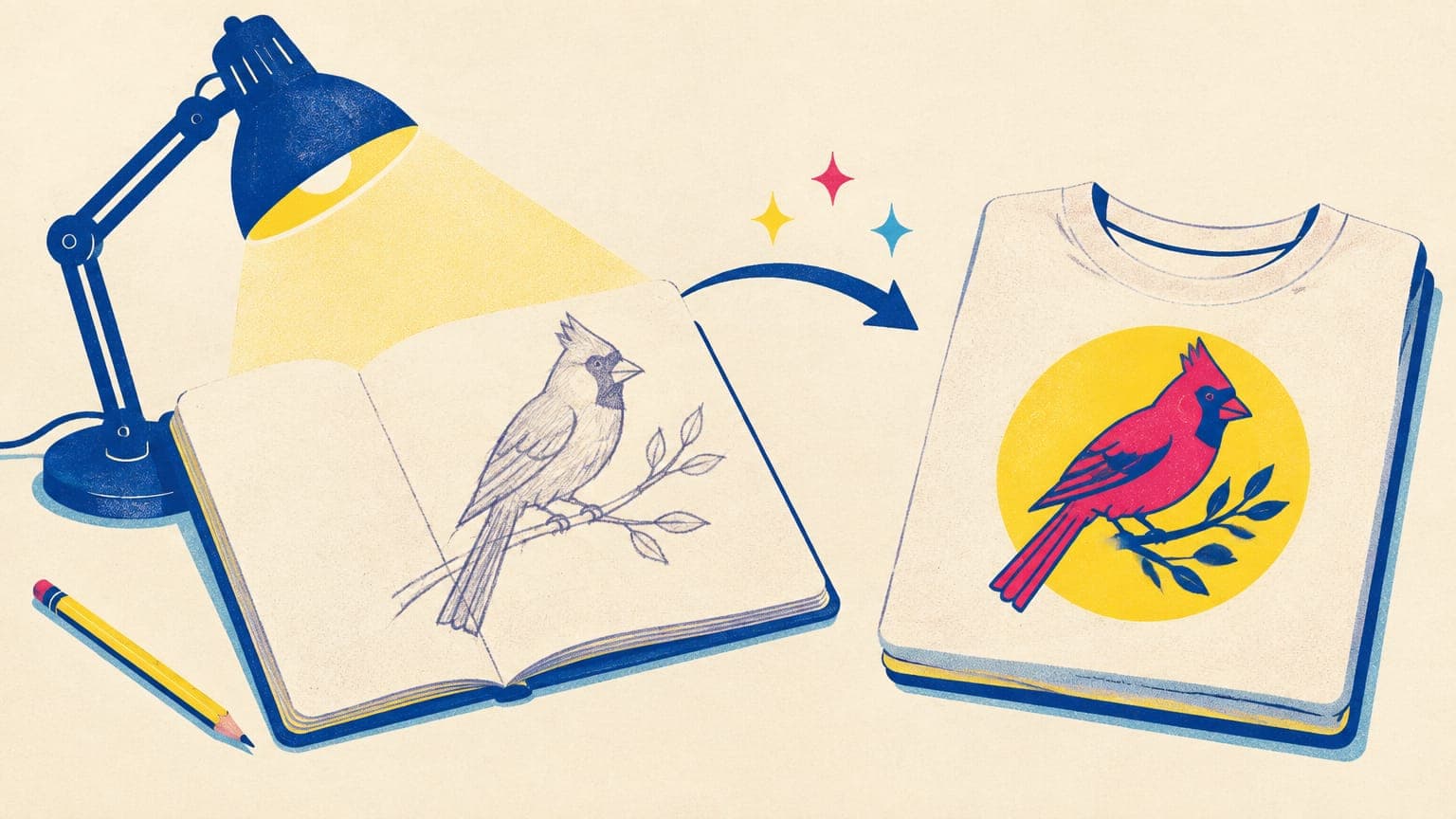
AI image tools can turn a sentence into artwork in seconds, which is exactly why “AI t-shirt design” on its own isn’t a business. Anyone can generate a picture. The designs that sell are made for a specific buyer, built to print cleanly, spelled correctly and different enough from everything else on page one.
This is a workflow that gets you there: from niche to prompt, from cheap drafts to a print-ready final, and from your first listing to a small family of proven designs. It’s built for non-designers with a few hours a week: no drawing skills needed, and every step is something you can do in an evening.
Key takeaways
- Decide who the shirt is for and what it says before you write a prompt.
- Structure prompts as subject, style, exact text in quotes, a limited palette, composition and output.
- Explore with cheap drafts, then spend on one high-quality or vector final.
- Proofread every letter. AI still misspells, especially in longer phrases.
- Never prompt with brand names, characters or living artists’ names; describe the style instead.
- Iterate on what sells: new colorways, occasions and products for designs that already work.
Start with the buyer, not the prompt
The prompt is the last creative decision, not the first. Before you open any AI tool, write down three things:
- Who it’s for. An identity people are proud of: a job, a hobby, a pet, a place or a life stage. “Nurses” is a start; “night-shift ICU nurses” is better.
- What it says. The inside joke, the badge of honor or the feeling the buyer wants to show off. On many niche shirts, the message does more of the selling than the illustration.
- When they buy it. Birthdays, holidays, retirements, graduations and awareness weeks give a design a reason to be bought right now, often as a gift.
To sanity-check the idea, type the niche into Etsy’s search bar and note the autocomplete suggestions, which reflect what buyers actually search for. Then look at page one. If every result is strong and has hundreds of reviews, go one level narrower. If the results are thin or off-target, you may have found room. (Our guides to print-on-demand niches and free Etsy keyword research go deeper.)
Try this idea in POD Made Easy
“Retro 70s sunset badge for night-shift nurses with a stethoscope and crescent moon, four-color palette, isolated on transparent background” · text: “Night Shift Crew”
A prompt structure that prints well
Good print prompts are specific about everything that affects the final product and quiet about everything else. Build yours from six parts:
| Part | What to write | Example |
|---|---|---|
| Subject | One clear focal point | A northern cardinal perched on a pine branch |
| Style | A visual style described in words, never an artist’s name | Vintage field-guide illustration, fine ink linework |
| Text | The exact words in quotes, kept short | The text “Weekend Birder” in a curved banner below |
| Palette | Three to five named colors | Muted red, olive green, cream and charcoal |
| Composition | Centered and shaped for the print area | Centered badge, slightly taller than wide |
| Output | What the file itself must be | Isolated on a transparent background, no shirt, no mockup, crisp edges |
Put together, the prompt reads:
A few details make a big difference to what comes back:
- Leave the shirt out of it. Asking for a “t-shirt design” leads many models to draw a shirt, a model or a full mockup. Ask for a graphic or an illustration instead, and add “no shirt, no mockup” to the output instructions.
- Limit the palette. Three to five flat colors look intentional, print consistently and keep the file easy to recolor for different shirt colors.
- Avoid soft effects. Glows, soft shadows and smoky gradients look great on screen but become semi-transparent pixels, which print unpredictably on fabric.
- Skip the filler. Strings like “8k, ultra detailed, masterpiece” add little. One precise style description beats ten adjectives.
- Think in thumbnails. Buyers first see your design at the size of a postage stamp in search results. Bold shapes and big lettering survive at that size; fine detail doesn’t.
Want a head start? Our list of 100 AI prompts for t-shirt designs uses this structure, grouped by style and niche.
Generate cheap drafts, then finalize the winner
AI generation has two very different jobs: exploring ideas and producing a print file. Treat them separately and you’ll spend less and get better results.
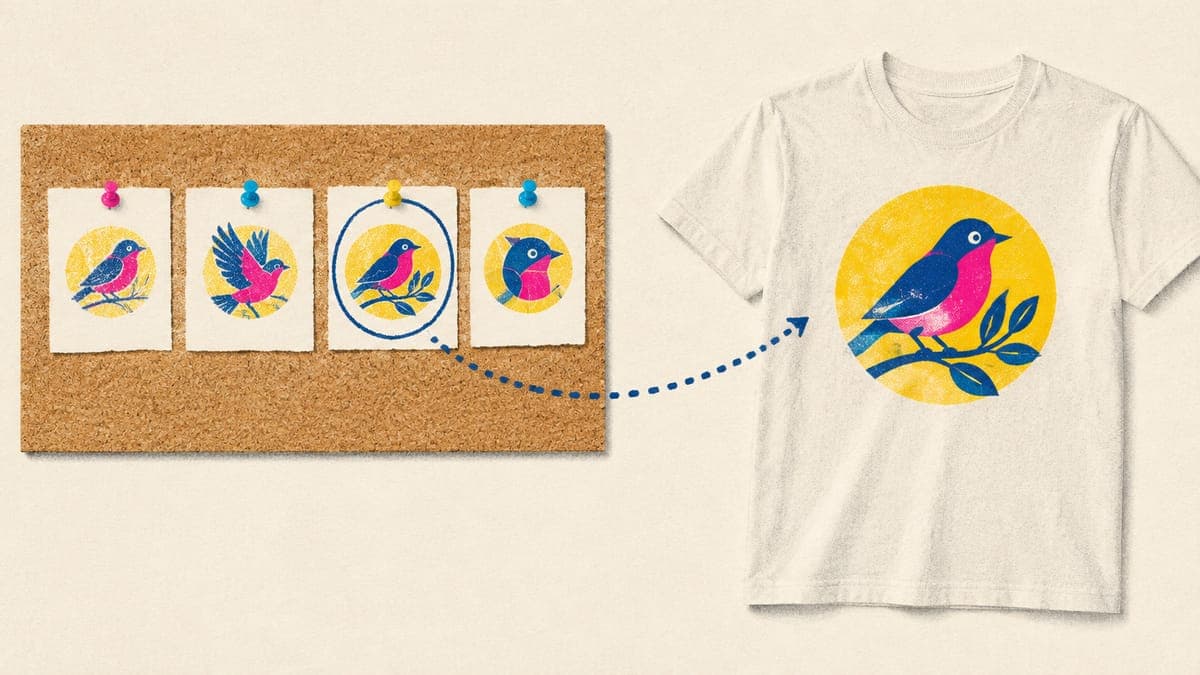
- Explore cheaply. Generate four or more drafts with a fast, low-cost model or a low quality setting. At this stage you’re judging the concept, composition and rough lettering, not fine detail.
- Change one thing at a time. If a draft is close, adjust a single part of the prompt, such as the palette, pose or layout, and run another batch. Change everything at once and you can’t tell what worked.
- Pick one winner. Choose the draft you’d buy yourself, then look at it at thumbnail size. If it doesn’t read at a glance, keep exploring.
- Finalize once. Recreate the winner at high quality: a vector render for text and flat art, a high-resolution transparent PNG for detailed illustration, or a 4K full-bleed image for posters. This is the step worth paying for.
In POD Made Easy, for example, drafts cost about a cent each at Low effort at the time of writing, and the finalize step recreates your chosen draft as a print-ready file at the exact print-area size for the product. Whatever tools you use, the principle is the same: keep exploration cheap and put your budget into the one design you’ll actually sell. (Our comparison of the best AI image generators for t-shirts covers cost per image, text accuracy and transparency by model.)
Try this idea in POD Made Easy
“Vintage field-guide illustration of a northern cardinal on a pine branch, muted red, olive and cream palette, isolated on transparent background” · text: “Weekend Birder”
Get the text right: typography and proofreading
Text is where AI designs most often go wrong. Image models have improved enormously at lettering, but they still drop letters, double them, swap them or invent extra strokes, and the risk grows with every word you add. A misspelled shirt means a refund, a bad review or both.
- Keep it short. Short phrases render far more reliably than full sentences. Put longer copy in the listing description instead.
- Quote it exactly. Put the words in quotes and say which case you want: all caps, title case or lowercase.
- Use one text block. A single headline is easier to get right than a headline, a subtitle and a date in small print.
- Proofread letter by letter. Read the design backward, one word at a time, at 100% zoom. Your brain autocorrects familiar phrases when you read them normally.
- Check the small stuff. Apostrophes, hyphens, repeated words and letter spacing are where errors most often slip through.
For spelling you fully control and consistent branding across a collection, consider setting the words yourself in a vector editor on top of the AI artwork. Just check the font license first: many free fonts are licensed for personal use only, which rules out products you sell. Our list of the best fonts for t-shirts sticks to fonts that allow commercial use.
Use vector finals for text and flat art
For typography, badges, logos and flat illustration, a vector final (SVG) is the best print file you can have. It stays razor-sharp at any size, from a sticker to a poster. Its colors can be changed in seconds for a dark-shirt version, and a single wrong letter can be fixed without regenerating the whole design.
The workflow is simple: keep the SVG as your master, then export a PNG at the exact print-area pixel size for each product, such as 4500 × 5400 for a full-front tee (our t-shirt design size guide lists the sizes). Raster finals still make sense for painterly, textured or photographic styles, where you want the highest native resolution you can get. If you already have a raster design you love, you can vectorize it for print.
| Design type | Best final | Why |
|---|---|---|
| Typography and quotes | Vector (SVG) | Letters stay crisp and can be corrected one by one |
| Badges, logos and flat illustration | Vector (SVG) | Clean edges at any size and easy recoloring |
| Detailed or painterly illustration | High-resolution transparent PNG | Keeps the texture and shading that vectors flatten |
| Posters and wall art | 4K full-bleed image | Fills the frame edge to edge with fine detail |
A starting point, not a rule. Order a sample before you roll out a new design style widely.
Mistakes that give AI designs away
Buyers are getting better at spotting lazy AI work. These are the habits that make a design look generated:
- Publishing the draft. Drafts are small and fast by design. Always recreate the winner as a print-ready final at full size before it goes anywhere near a product.
- Cramming in ideas. One subject, one message and one style read instantly. Three ideas in one design turn into clutter at thumbnail size.
- Too many colors. A dozen colors and soft gradients look muddy on fabric and are hard to adapt for dark shirts.
- Tiny text. Small secondary lettering is where AI errors hide, and nobody can read it from across a room anyway.
- Generic subjects. A generic cute animal competes with a sea of near-identical listings. The same animal doing the buyer’s hobby, in the buyer’s own words, stands apart.
- Telltale glitches. Extra fingers, melted objects and nonsense symbols in the background give the game away. Zoom in and fix or regenerate anything that looks off.
Stay original: trademarks, characters and living artists
AI makes it surprisingly easy to generate something that isn’t yours to sell. A few rules keep your shop safe:
- No brands, teams or characters in prompts. If a brand, sports team or film character goes into the prompt, the problem comes out in the design. “Inspired by” versions attract reports too.
- No living artists’ names. Prompting “in the style of” a working illustrator is ethically questionable, can produce near-copies of their real work and gives them good reason to report your listing. Describe the style instead: era, medium, technique and palette.
- Check phrases, not just pictures. Everyday slogans and puns can be registered trademarks for clothing. Search every phrase in the trademark database before you publish, including the examples in this post (our POD trademark guide shows how).
- Watch for accidental lookalikes. Models sometimes produce something close to a famous logo or character without being asked. If a result feels familiar, don’t use it.
Publish it properly: mockups, copy and disclosure
A strong design still needs a listing that sells it. Lead with a clean mockup where the design is large enough to read at thumbnail size, write a title that starts with the phrases buyers search for, and use all 13 Etsy tags.
If you sell on Etsy, two disclosures matter. Under Etsy’s Creativity Standards, designs you create with AI tools from your own prompts are allowed, but you must say in the listing description that AI was used, and print-on-demand items must name the production partner that makes them (details and sample wording in can you sell AI art on Etsy). POD Made Easy writes the title, tags and description for you and adds the disclosure wording automatically.
Iterate on winners instead of starting over
Plenty of new designs won’t sell, and that’s normal. The skill is spotting the ones that do and getting more out of them:
- Watch early signals. Views and favorites show up long before steady sales. A design that collects favorites deserves a variation, even before it sells. (Here’s what to track in your Etsy stats.)
- Make variations, not copies. Try a new colorway, a dark-shirt version, a different occasion (a birding design becomes a retirement gift) or a neighboring sub-niche.
- Move to new products. A design that sells on shirts often works as a mug, sticker or tote with small layout changes.
- Keep a prompt log. Save the prompt, style, palette and final settings for every design. When something sells, you can recreate its look for the next one.
- Retire what doesn’t work. If a listing gets views but no favorites after a few months, the design, price or photos aren’t landing. Improve one thing, or move on.
Try this idea in POD Made Easy
“Cute kawaii sourdough starter jar with a happy face and a dusting of flour, soft pastel palette, thick outlines, isolated on transparent background” · text: “Feed the Starter”
Run this whole workflow in one place
Describe the idea and the exact words. POD Made Easy gives you four drafts for about a cent each at Low effort, then a print-ready vector or transparent final with spell-checked text, Etsy-ready copy with the AI disclosure, and a product in your Printify or Gelato shop.
Start your free trialAI takes the slowest part out of making designs, not the thinking. Choose a buyer, write a precise prompt, finish the winner properly and keep building on what sells. That combination is what turns generated images into a shop.
Frequently asked questions
- Can I sell AI-generated t-shirt designs on Etsy?
- Yes. Under Etsy’s Creativity Standards, designs you create with AI tools from your own prompts are allowed, as long as you disclose the AI use in the listing description and, for print-on-demand items, name your production partner.
- What is the best prompt structure for t-shirt designs?
- Describe the subject, the style, any exact text in quotes, a limited color palette, the composition and the output, for example “isolated on a transparent background, no shirt, no mockup”. Short, specific prompts beat long lists of adjectives.
- Why does AI misspell words on my designs?
- Image models draw letters as shapes rather than typing them, so longer phrases and unusual words still go wrong. Keep text short, put it in quotes, proofread letter by letter and, for text-heavy designs, finish the lettering as vector type.
- Can I copyright an AI-generated t-shirt design?
- In the US, images generated purely by AI generally can’t be registered for copyright, because copyright requires human authorship. Your own edits and arrangement may be protectable. You can still sell the designs, but you may not be able to stop copycats. This isn’t legal advice.
Keep reading
More design guides
Design
How to Make a Vintage T-Shirt Design That Prints Cleanly
Make a vintage t-shirt design with retro palettes, sunset stripes, badges, halftones and distressing, without the semi-transparent pixels that ruin DTG prints.
Sep 24, 2026 · 10 min read
Design
100 AI Prompts for T-Shirt Designs That Print Well
100 original AI prompts for t-shirt designs, sorted by style and niche, plus a simple prompt formula and print-safe add-ons that work in ChatGPT or Midjourney.
Sep 24, 2026 · 19 min read
Design
Best AI Image Generators for T-Shirt Designs (2026)
The best AI image generator for t-shirt designs depends on the job. We compare 8 tools on text, transparency, resolution, vector output, rights and cost.
Sep 24, 2026 · 13 min read