Connect Printify (or Gelato, Printful and Prodigi)
Link your print provider once, so your designs can become real products in your shop.
Video · 1:11 · Recorded Sep 25, 2026
What you’ll learn
- Where to create a Printify access token
- How to connect it, and which stores you'll see
- What “API only” and “Default” mean on your shops
Transcript
Connect your print provider once, and POD Made Easy can create products right in your shop. Here's how, with Printify.
Printify prints and ships your orders, and it links to your Etsy, Shopify or TikTok Shop. You'll need a Printify account with your store connected. New to Printify? The first link signs you up.
In Printify, open My profile, then Connections, and generate an API token with all scopes. This link takes you straight there.
Copy the token, paste it here, and click Connect Printify.
Connected. You'll see every store in your Printify account. New products go to the one marked Default, and you can switch it any time.
A store marked API only isn't linked to a marketplace, so pick your Etsy or Shopify store for products you want to sell.
Printful, Gelato and Prodigi connect the same way. Your connections stay live for as long as your plan is active.
Next up: creating your first designs.
More tutorials
 1:28
1:28Getting started
Take the tour: your POD Made Easy studio
A quick look around: the setup checklist, every page in the sidebar, and how credits work.
 1:33
1:33Designs
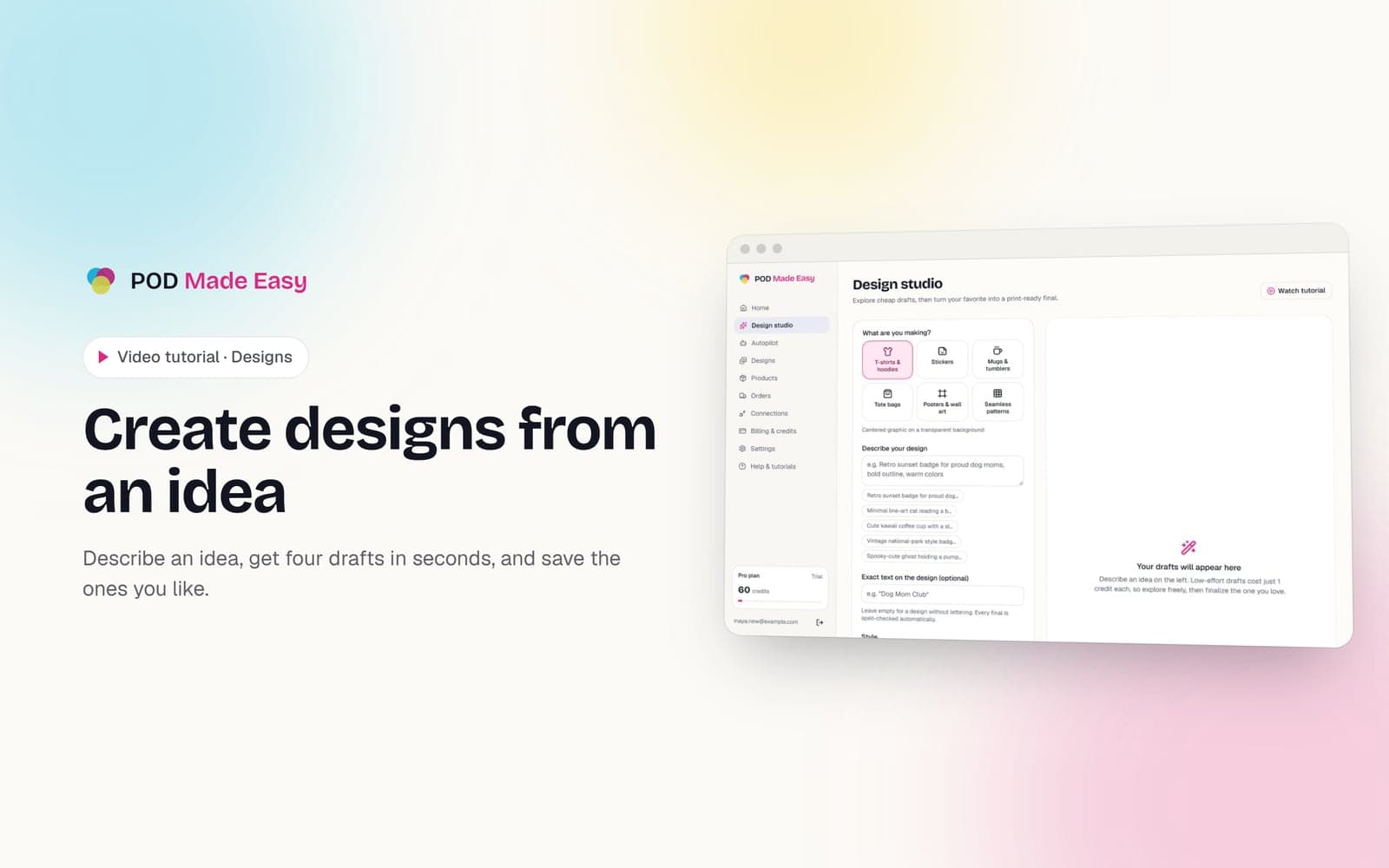
Create designs from an idea
Describe an idea, get four drafts in seconds, and save the ones you like.
 1:36
1:36Designs
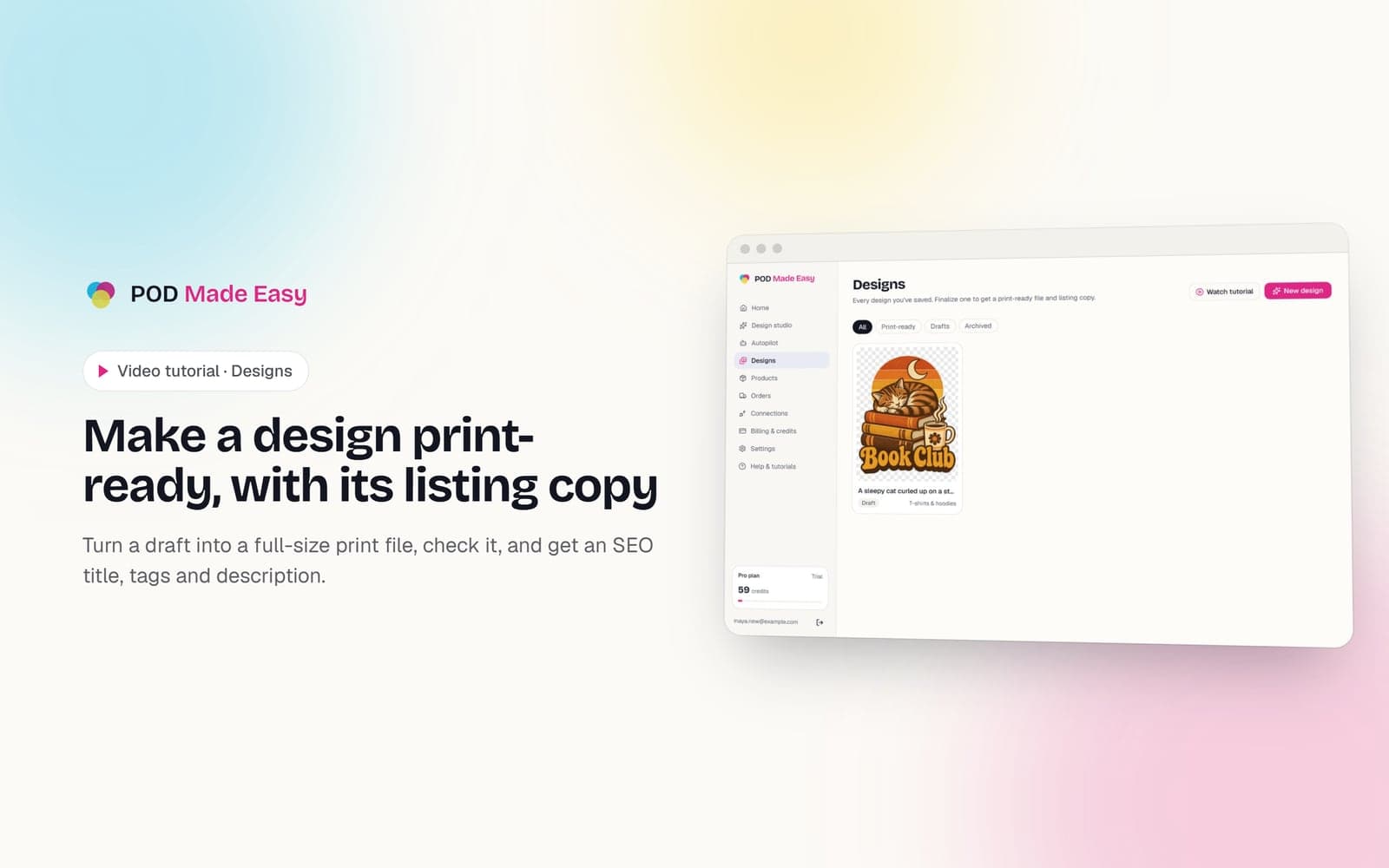
Make a design print-ready, with its listing copy
Turn a draft into a full-size print file, check it, and get an SEO title, tags and description.
Your next best-seller is one sentence away.
Start your 7-day trial and publish your first product today.
Start free trial