Track your orders
See every order from your print provider in one place: what needs attention, what’s shipped.
Video · 0:57 · Recorded Sep 25, 2026
What you’ll learn
- Reading the order summary tiles
- Filtering to orders that need attention
- Tracking links and costs per order
Transcript
When your products sell, the orders from your print provider show up here, so you can see what needs you and what's on its way.
The tiles sum up your recent orders: how many came in this month and what they cost you, anything that needs attention, and what's in production, shipped or delivered.
Click a tile to filter the list. Needs attention means the order is on hold at your print provider, so open it there and sort it out.
Each order shows what was bought, who it's going to, your cost, and what it sold for, plus tracking once it ships.
We only keep the buyer's first name, initial and town. Full addresses stay with your print provider.
Orders update by themselves every half hour, and again whenever you open this page.
Next: your plan, your credits, and your listing settings.
More tutorials
 2:08
2:08Selling
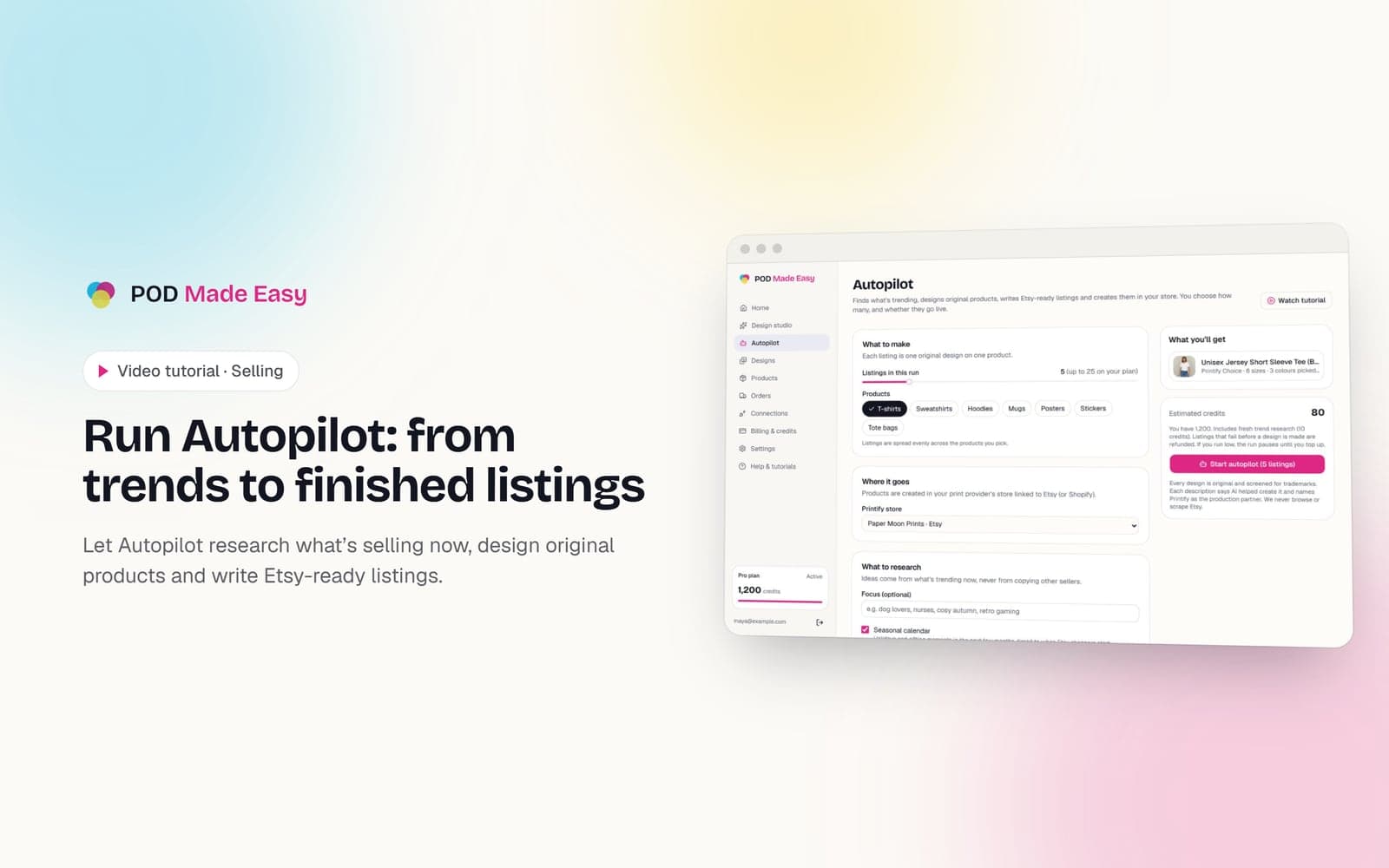
Run Autopilot: from trends to finished listings
Let Autopilot research what’s selling now, design original products and write Etsy-ready listings.
 1:28
1:28Getting started
Take the tour: your POD Made Easy studio
A quick look around: the setup checklist, every page in the sidebar, and how credits work.
 1:11
1:11Getting started
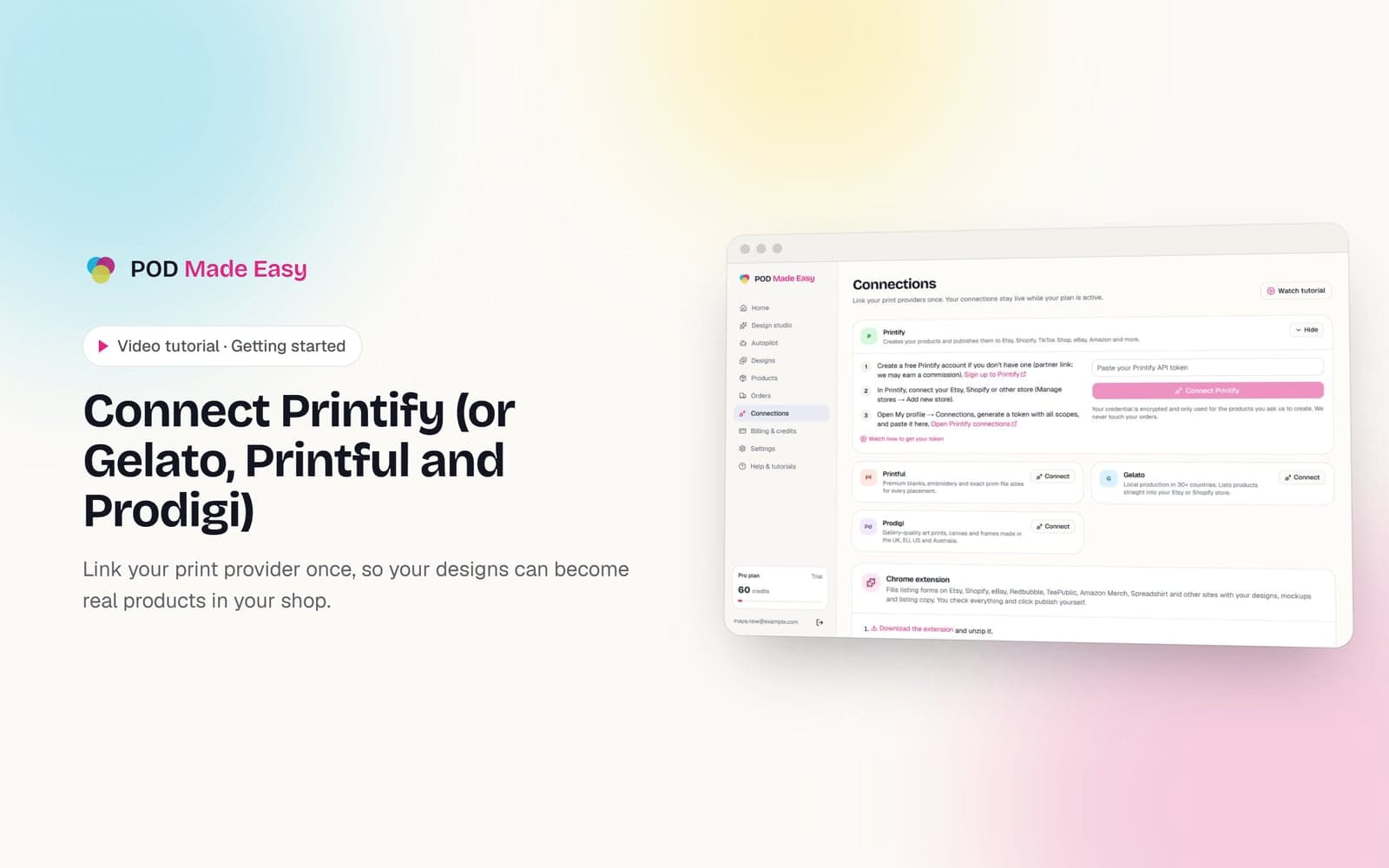
Connect Printify (or Gelato, Printful and Prodigi)
Link your print provider once, so your designs can become real products in your shop.
Your next best-seller is one sentence away.
Start your 7-day trial and publish your first product today.
Start free trial