Plans, credits and settings
Check your plan and credits, manage billing, and set the defaults used for every listing.
Video · 1:30 · Recorded Sep 25, 2026
What you’ll learn
- How monthly credits and rollover work
- Managing your plan and invoices
- Settings for your shop name, Etsy disclosure and markup
Transcript
Here's where to check your plan and credits, and set the defaults every listing uses.
Billing and credits shows your plan, its price, and when it renews.
Credits pay for the AI work. A low-effort draft costs one credit, and a print-ready final starts at three. Your plan tops them up every month.
Unused credits roll over, up to twice your monthly allowance. Recent activity lists every top-up, and what each credit was spent on.
To switch plans, update your card, or download invoices, click Manage plan. It opens Stripe's secure billing page.
Next, Settings. These are the defaults we use whenever we write a listing or create a product.
Start with your shop or brand name.
Etsy asks sellers to say when AI helped make a design, and who produces the item. This text goes at the end of every description we write for you.
Production partner is the company that prints your products, like Printify. Add the same name in Etsy's Shop Manager, under Settings, Production partners, so your listings are labeled correctly.
Default markup sets your starting prices: we add this percentage to your print provider's cost. You can still change any price on a product.
When you've made changes, click Save settings.
That's billing and settings. Happy selling!
More tutorials
 1:28
1:28Getting started
Take the tour: your POD Made Easy studio
A quick look around: the setup checklist, every page in the sidebar, and how credits work.
 1:11
1:11Getting started
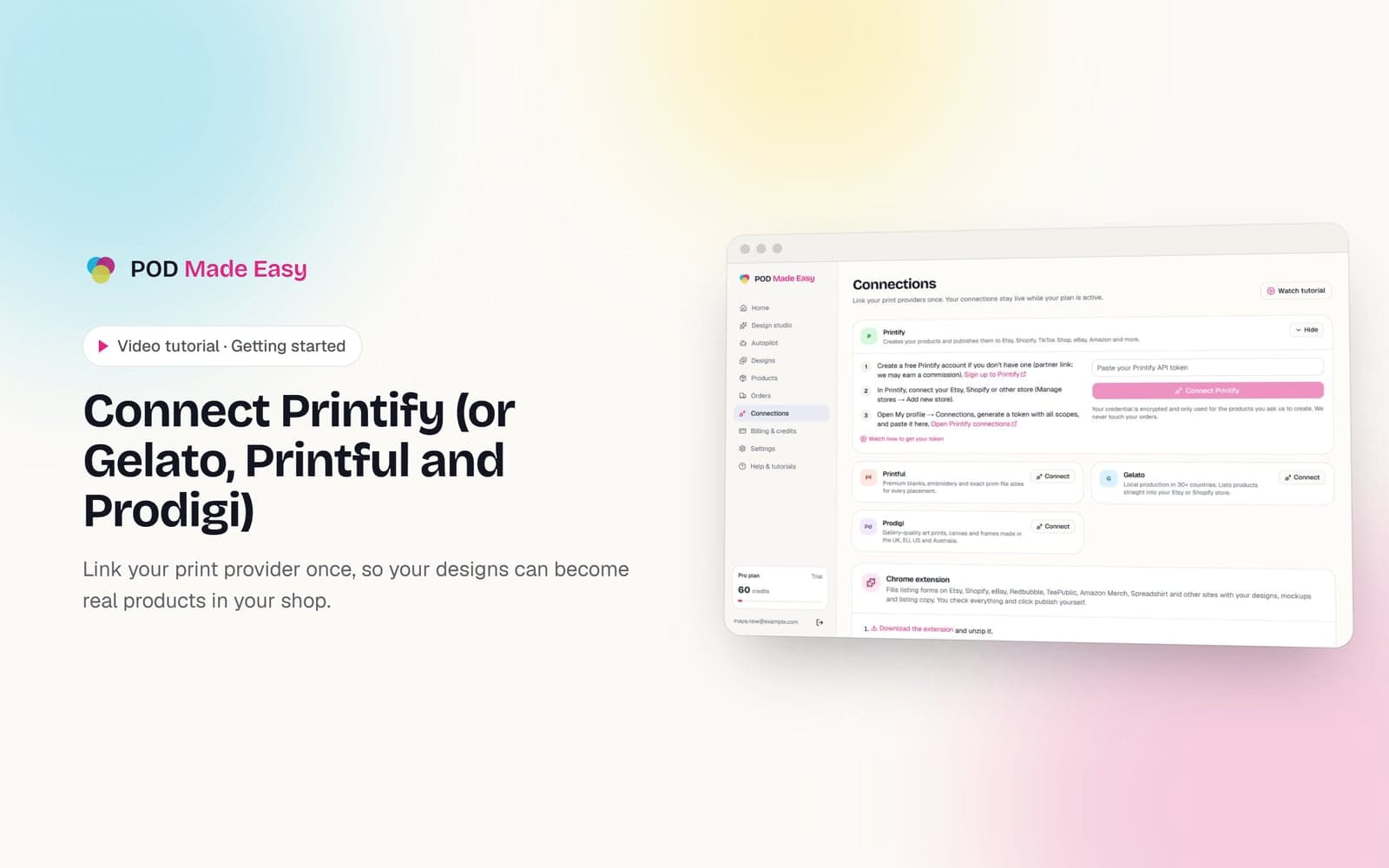
Connect Printify (or Gelato, Printful and Prodigi)
Link your print provider once, so your designs can become real products in your shop.
 1:33
1:33Designs
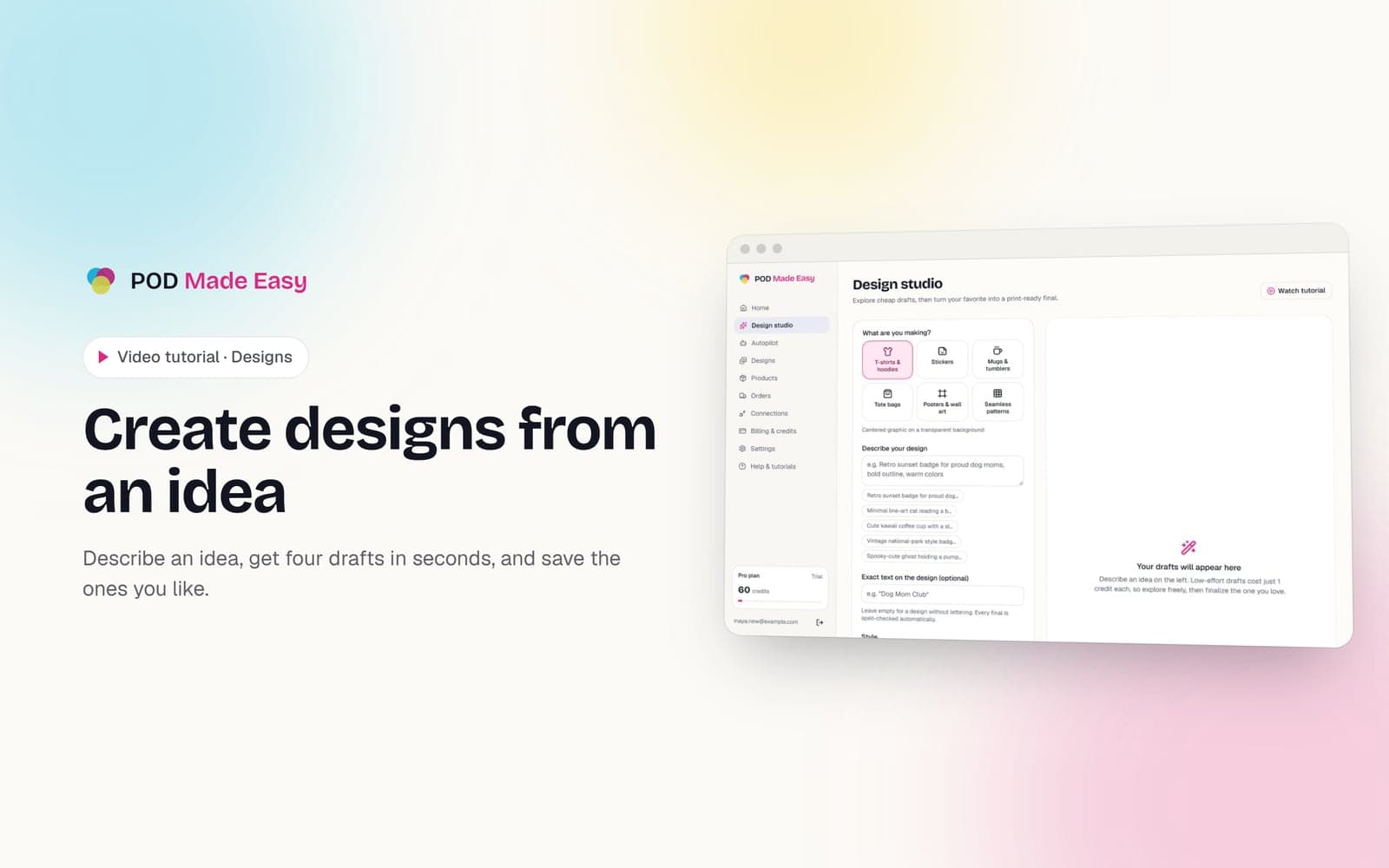
Create designs from an idea
Describe an idea, get four drafts in seconds, and save the ones you like.
Your next best-seller is one sentence away.
Start your 7-day trial and publish your first product today.
Start free trial