Printify Bulk Upload: Create Many Products Fast (Safely)
Printify bulk upload explained: what Printify supports natively in 2026 (duplicates, bulk publish, pricing, templates), how API tools work and a safe workflow.
By the POD Made Easy team · September 24, 2026 · 10 min read
Printify doesn’t have a true bulk upload at the time of writing. There’s no way to drop a folder of designs into the dashboard and get finished products, and its CSV import is for orders, not products. What it does have is a set of native shortcuts, including duplicating products, bulk publishing, bulk price and provider changes, artwork templates and Etsy Multi-Product Listings, that make creating many products much faster.
This guide shows exactly what Printify supports natively, how API-based bulk tools work and what to check before you connect one, and a batch workflow for creating 10 to 20 products in an evening without flooding Etsy with near-duplicate listings.
Key takeaways
- Printify has no folder or spreadsheet upload for products. Its CSV import is for orders from unsupported sales channels.
- The fastest native method: build one template product, duplicate it, and swap the artwork and copy for each new design.
- Bulk actions cover publishing, prices, profit margins, print-provider swaps and copying products between stores.
- API-based tools can create products in bulk within Printify’s limits: 200 publishing requests per 30 minutes, plus a daily cap on product creation.
- More listings isn’t the goal. Each Etsy listing costs $0.20, and near-duplicates compete with each other.
What Printify supports natively (and what it doesn’t)
Here’s every bulk-friendly feature in Printify’s dashboard, based on its help center in September 2026:
| Feature | What it does | Where to find it |
|---|---|---|
| Duplicate product | Copies variants, prices, description, mockups and print provider into a new product | My Products, Duplicate icon |
| Copy to other store | Copies selected products, or all of them, to another store in your account; you publish them separately | My Products → More actions |
| Bulk publish | Publishes or updates many products at once, with a choice of which details to sync | My Products: select products, then Publish |
| Bulk price edit | Sets a price, profit or margin across selected products | My Products: select products, then Edit price |
| Default profit margin | Applies your margin to every new product in a store | Store settings → Publishing preferences |
| Replace provider | Moves many products of the same model to another print provider | My Products → More actions → Replace provider |
| Artwork templates | Saves a layout of images and text to reuse on other products | Product Creator → Save as template |
| Multi-Product Listings | Combines up to 20 products into one Etsy listing | My Products → Create Multi-Product Listing |
| Not available | Uploading a folder of designs, or creating products from a spreadsheet | Use duplicates or an API-based tool |
From Printify’s help center, September 2026. Features change, so check the current help articles before you plan a big batch.
The CSV import you may have read about lets you fulfill orders from a sales channel Printify doesn’t integrate with, by uploading customer details and design image links. It creates products only as a side effect of those orders, so it isn’t a way to build a catalog.
The fastest native method: template product + duplicate
Most of the work in a Printify product isn’t the artwork. It’s choosing the blank and provider, ticking colors and sizes, pricing every variant, picking mockups and writing the fixed parts of the description. Do that once per product type, then reuse it:
- Build a template product for each blank you sell. Choose the model and print provider (our guide to choosing a Printify print provider helps), the colors and sizes, your prices, and a description skeleton with sizing, care, production partner and AI-disclosure lines. Save it without publishing.
- Duplicate it for each new design. Printify’s duplicate keeps the variants, pricing, description, mockups and provider settings.
- Swap the artwork in the Product Creator. If you have light and dark versions of a design, use “Make a specific design” to give dark shirt colors their own file. Check placement and the resolution warning.
- Rewrite the title, tags and opening lines of the description for this design. This is the step people skip, and it’s the one that decides whether the listing gets found. Our guide to Etsy titles that rank shows what to write.
- Check the mockups for the colors you’ve enabled.
- Publish as a batch. Select the finished products in My Products and publish them together.
Artwork templates speed up designs that share a layout, such as a name above a year. A template keeps its original dimensions when you apply it to another product, so the print size stays consistent unless you rescale it. Templates can’t be edited after saving, so save a new one when the layout changes.
Bulk editing after you publish
Once products are live, Printify’s bulk tools keep changes fast and in sync:
- Prices. Select products, choose Edit price and enter a price, profit or margin. A new price applies to every variant of the selected products, so if you charge more for larger sizes, edit the margin instead to keep that structure.
- Print providers. Replace provider moves many products to a different provider in one go, as long as they share the same model and current provider. Changing the model itself (for example, to a different brand of tee) still means editing each product.
- Selective publishing. When you republish, tick only the details you want to sync: mockups, prices, descriptions, tags or shipping profiles. That keeps changes you made on the sales channel, such as your own photos, from being overwritten.
Etsy’s own bulk editor is still handy for fixing production partners across many listings at once. For titles, descriptions and prices on synced listings, edit in Printify, because changing them on Etsy can break the sync. Our guide to connecting Printify to Etsy covers the sync rules.
API-based bulk tools: how they work and what to check
True bulk creation, like uploading 50 designs and getting 50 finished products, happens through Printify’s public API. Tools built on it use an API token you generate under Connections in Printify. Each token is limited to the access scopes you choose and expires after a year, which is far safer than handing any tool your password.
The API has firm limits. Printify’s API documentation lists a global limit of 600 requests a minute, a limit of 200 publishing requests per 30 minutes, and an extra daily limit on product and mockup creation that heavy users have to ask support to raise. Any tool promising thousands of new listings an hour is either ignoring these limits or overselling.
Before you connect a bulk tool, check:
- It connects with an API token or official integration, never your Printify or Etsy password.
- It creates products as drafts you can review, or at least lets you publish in batches you control.
- It writes a unique title, 13 tags and description for each design, not one template for all of them.
- It uploads files at the exact print-area size, with clean transparency.
- Its pricing is clear, and your designs and products stay yours if you cancel.
Bulk tools are also where rule-breaking automation hides, especially for marketplaces without an upload API. Our guide to print-on-demand automation separates the safe tools from the ones that get accounts closed.
Why more listings isn’t the goal
Bulk tools make it easy to publish hundreds of products. That’s rarely a good idea on Etsy, for three reasons.
Fees add up. Every new Etsy listing costs $0.20, and unsold listings on auto-renew cost another $0.20 every four months. Here’s the illustrative math for listings that don’t sell:
| Listings published | Cost to publish | Yearly renewals if unsold (auto-renew on) |
|---|---|---|
| 50 | $10 | $30 |
| 300 | $60 | $180 |
| 1,000 | $200 | $600 |
Etsy’s US listing fee of $0.20 per listing, renewing every four months. Listings that sell also pay $0.20 per sale. See Etsy’s fee policy for current rates.
Near-duplicates compete with each other. Ten listings of one design in ten colors split your views, favorites and reviews ten ways. One listing with color variants costs one fee and collects everything. To sell the same design on a tee, a hoodie and a sweatshirt, Printify’s Multi-Product Listings combine up to 20 products (and up to 400 variants) into one Etsy listing, with no extra listing fee for each product. They don’t support personalization yet, and every product in the listing needs the same shipping methods. Our Etsy fees guide covers the full cost of each listing.
Unused products get cleaned up. Since September 2025, Printify schedules inactive products for removal: products with no orders and no edits for over a year (or no orders for two years and no edits for one), after a 30-day grace period. Published listings stay on Etsy, but they lose their link to Printify, so any order arrives in Other orders and needs recreating by hand. A bulk dump of products you never touch again becomes a maintenance job later.
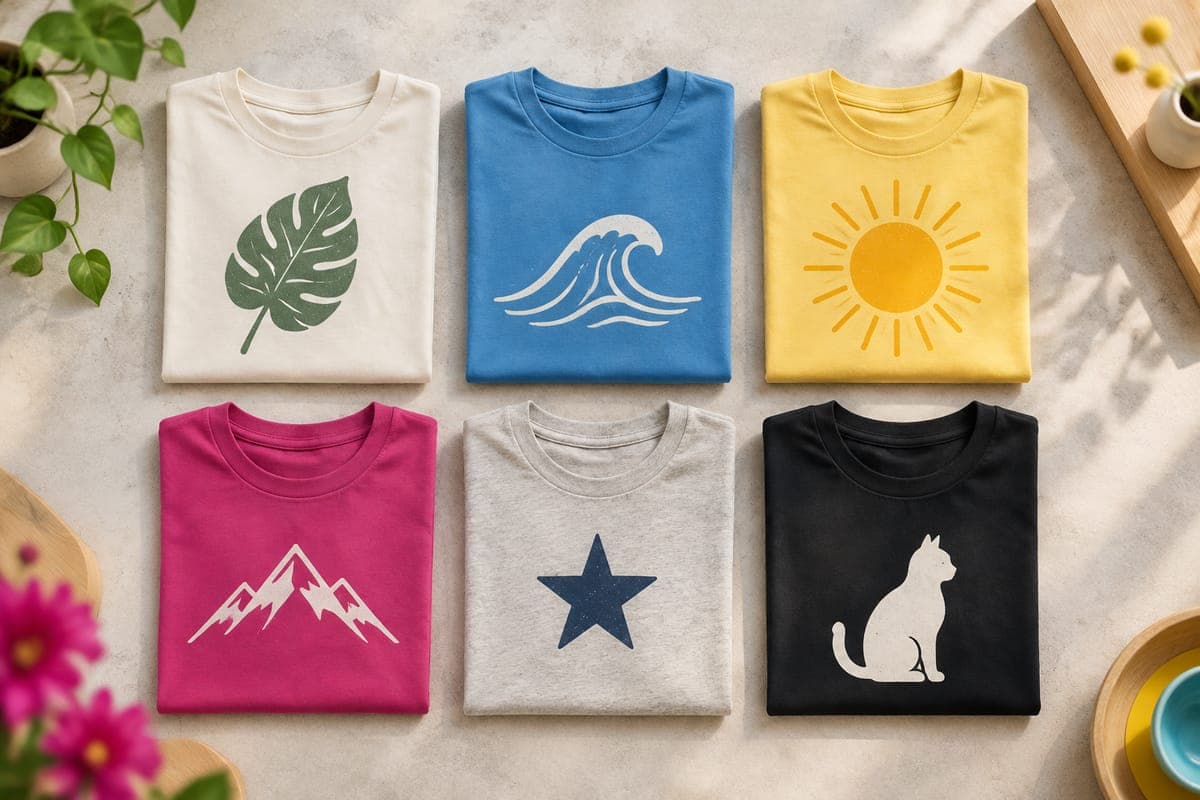
A batch workflow for 10 to 20 products in an evening
Here’s an illustrative three-hour session for ten products, assuming your research is done and your template products exist:
| Time | Task |
|---|---|
| 0:00–0:20 | Confirm the niche and write the exact words for ten designs |
| 0:20–1:20 | Create the final artwork at the exact print size; proofread every word |
| 1:20–2:10 | Duplicate the template, swap artwork, add dark-color versions where needed |
| 2:10–2:40 | Write a unique title, 13 tags and opening description lines for each product |
| 2:40–3:00 | Check mockups and placement, publish the batch, then spot-check three live listings |
An example schedule, not measured data. Double the product count once your templates and copy formulas are settled.
Spot-checking matters. Open a few of the new listings on Etsy and confirm the images, variants, price and production partner look right before you move on. It takes five minutes and catches a whole batch’s worth of the same mistake.
Free Etsy title & tag checkerCheck each new title and all 13 tags for length limits and repeats before you publish the batch.Troubleshooting bulk publishing
- Publishing fails on Etsy. Check retail prices and the shipping profile first. For Multi-Product Listings, make sure every product offers the same shipping methods.
- New variants appear without images. You added colors or sizes and republished without ticking Mockups. Republish with mockups selected, or upload images on Etsy.
- Listings lost their sync. Usually caused by edits made on Etsy. Printify’s Migration Tool can reconnect an active Etsy listing to a Printify product.
- Copied products haven’t appeared. Copying between stores can take a few hours, and copied products must be published manually.
- Amazon listings won’t publish. Amazon caps new product pages per week, and publishing can take up to 24 hours. Our Amazon print-on-demand guide covers the other requirements.
Where POD Made Easy fits
POD Made Easy isn’t a bulk uploader, and we don’t pretend otherwise. It creates each product individually in your own Printify shop: you pick the product, colors and sizes from Printify’s catalog, place the design on each print area with a live resolution check, and it creates a draft for you to review before publishing. Every product gets its own exact-size file, a spell-check of any text, a trademark safety flag, and a unique title, 13 tags and description.
That suits sellers publishing a handful to a few dozen designs a week, which is where most side hustles live. If you need hundreds of products a day, a bulk API tool or an all-in-one bulk platform fits better, and our Printify review covers what the platform itself can handle.
Faster products, without the copy-paste
POD Made Easy turns each idea into a print-ready file at the exact size, writes a unique title, 13 tags and description, and creates the product as a draft in your own Printify shop for you to check and publish. Try it free for 7 days.
Start your free trialFrequently asked questions
- Can you upload a CSV of products to Printify?
- Not at the time of writing. Printify’s CSV import is for orders from sales channels it doesn’t integrate with, not for creating products. To create many products, duplicate a template product or use a tool built on Printify’s API.
- How many products can I publish at once on Printify?
- In the dashboard, you can select many products and publish them together. Through the API, Printify allows 200 publishing requests per 30 minutes and applies a daily limit to product creation. On Etsy, each new listing still costs $0.20.
- Does duplicating a Printify product create a new Etsy listing?
- Only when you publish it. The duplicate starts in Printify with the original’s variants, prices, description, mockups and print provider. Once published, it becomes a separate Etsy listing with its own $0.20 listing fee.
- Can I put several designs in one Printify listing?
- Yes, two ways. Within one product, you can give specific color variants their own design. For Etsy, Multi-Product Listings combine up to 20 Printify products into one listing, with up to 400 variants in total.
- Will Printify delete products I never sell?
- Printify’s cleanup removes products with no orders and no edits for over a year, after a 30-day grace period in a To be removed tab. Published listings stay on your sales channel but lose their link to Printify, so orders need manual handling.
Keep reading
More platforms & providers guides
Platforms & providers
How to Choose the Best Printify Print Provider (2026)
How to choose the best Printify print provider for each product: read Performance Scores, compare location, cost and speed, test samples and switch safely.
Sep 24, 2026 · 9 min read
Platforms & providers
Printify Review 2026: Pros, Cons and Real Costs for Etsy
Printify review for 2026: how its print-partner marketplace works, real costs on Etsy, Premium, quality by partner, pros and cons, and who it suits best.
Sep 24, 2026 · 11 min read
Platforms & providers
Printify vs Printful (2026): Real Costs and Which to Use
Printify vs Printful in 2026: the same tee costs about $8.80 vs $12.25. See real Etsy profit per sale, plan break-evens, quality, branding and when to use both.
Sep 24, 2026 · 11 min read