How to Choose the Best Printify Print Provider (2026)
How to choose the best Printify print provider for each product: read Performance Scores, compare location, cost and speed, test samples and switch safely.
By the POD Made Easy team · September 24, 2026 · 9 min read
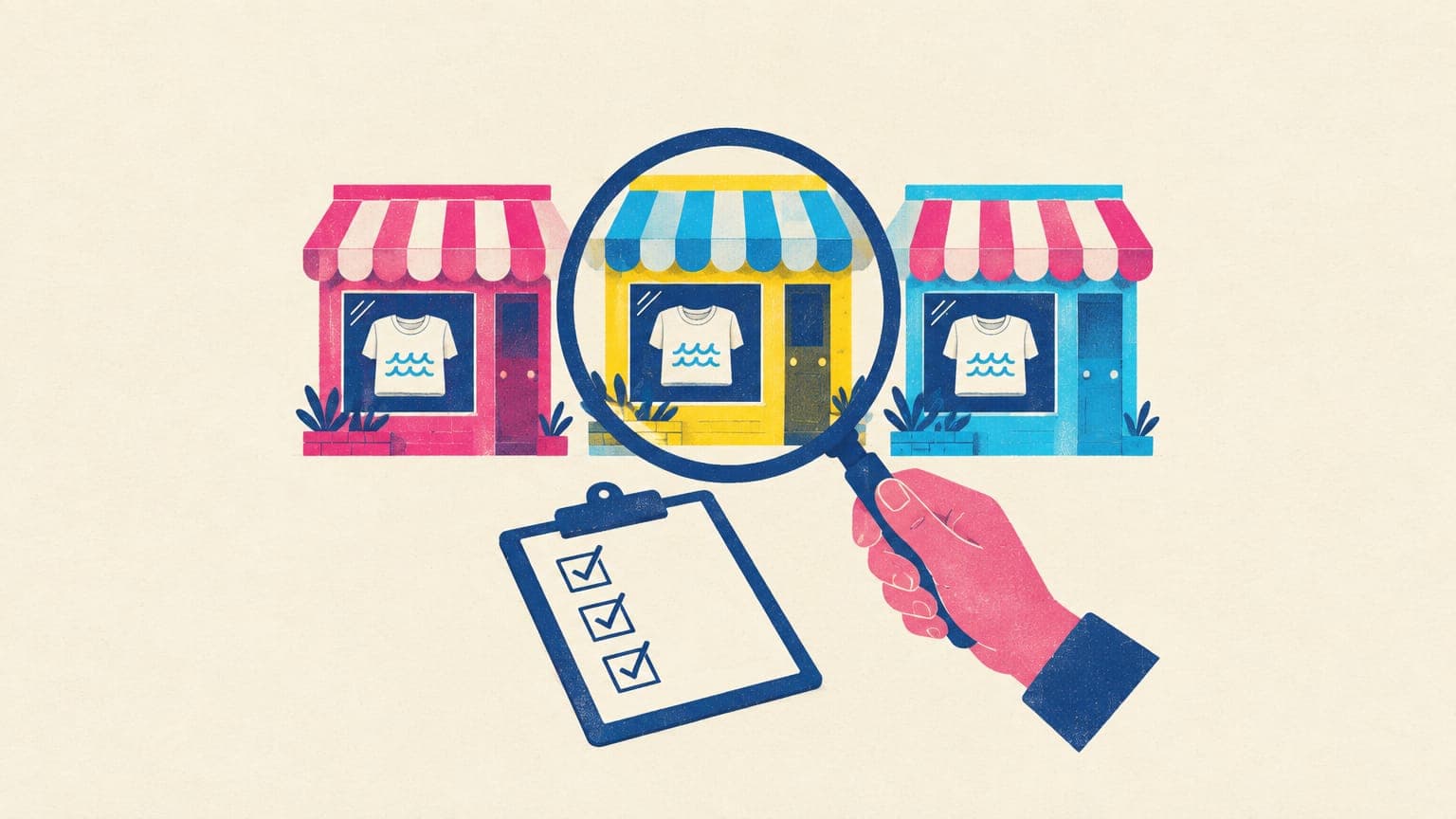
The best Printify print provider for a product is the one that scores well on Printify’s Performance Score for that product, sits close to most of your buyers, gets your total cost where you need it, and passes your own sample test. There’s no single best provider for everything: a partner that’s excellent for tees may be average for mugs, and scores change every week.
This guide shows what Printify tells you about each print provider and how to read it, six criteria in priority order, a comparison worksheet you can copy, when to let Printify Choice decide for you, a sample checklist, and how to switch providers without losing your Etsy listing.
Key takeaways
- Compare providers per product and per market: the best tee partner isn’t automatically the best mug partner.
- Performance Scores run from 0 to 10, update weekly from the last four weeks, and combine quality, production speed, and samples and shipping.
- Judge cost as product plus shipping, including the additional-item rate, not the product price alone.
- Printify Choice gives a fixed price and routing across top-rated partners for 100+ products, mainly for US buyers, but hides which partner made each order.
- Sample before you commit a best seller, and use the Replace feature to switch partners without losing your Etsy listing.
What Printify shows you for each print provider
When you open a product in Printify’s catalog, you see a list of providers that make it, with the best-performing ones at the top. Here’s what each piece of information tells you and how to use it.
| What you see | What it tells you | How to use it |
|---|---|---|
| Location | Where the item is made and ships from | Match it to where most of your buyers live |
| Product price | Your base cost (Premium price too, if you subscribe) | Compare with shipping included, never alone |
| Shipping rates and methods | First-item and additional-item cost, economy or express options | Build the first-item rate into your price |
| Average production time | How fast this provider shipped this product over the last 30 days | Set your Etsy processing time from it |
| Performance Score (0–10) | Quality, production speed, and samples and shipping over the last 4 weeks | Shortlist the top scorers, then check the breakdown |
| Colors, sizes and print areas | Which variants exist and how big the print area is in pixels | Make sure your color lineup and design size fit |
| Extras and print method | Inserts, gift messages, neck labels; DTG, DTF, embroidery, sublimation | Only pay attention if you use them or the method changes the look |
Based on Printify’s catalog and Help Center, September 2026.
Click a Performance Score in the catalog to see its breakdown. According to Printify’s Performance Score guide, quality measures how many of a provider’s items fail its standards or get reported, production speed measures shipping within agreed time frames, and samples and shipping draws on sample feedback, order issues and Printify’s own secret shopping. Printify is also testing category-level scores, starting with tees, hoodies, sweatshirts and mugs.
The six criteria, in priority order
- Quality signals. Start with the Performance Score, and look at the quality component first. A fast, cheap provider that gets reprint requests will cost you more in refunds and reviews than it saves.
- Location versus your buyers. If most of your buyers are in the US, shortlist US providers. A local provider means cheaper shipping and faster delivery, which matters for Etsy search and for reviews.
- Delivered cost. Add product price and first-item shipping, then look at the additional-item rate if buyers often order two. A provider with a cheaper blank and expensive shipping can lose on the total.
- Production time and reliability. Use the 30-day average, and check Printify’s network status page for closures and delays, especially before Q4.
- Variant fit. Check that the provider offers the colors and sizes you want to list and that its print area suits your design. Print areas differ in size between providers, so a design made for one may need resizing for another; our t-shirt design size guide explains the pixel math.
- Print method and extras. DTG, DTF and sublimation look and feel different, and not every provider offers inserts or neck labels. Our DTG vs DTF guide covers what changes for your designs.
A provider comparison worksheet (copy this)
When two or three providers look similar, score them. This is our suggested weighting for a typical Etsy apparel shop; adjust it if speed or price matters more in your niche. Rate each provider 1–5 on each line, multiply by the weight and add up the column.
| Criterion | Weight | Provider A | Provider B | Provider C |
|---|---|---|---|---|
| Performance Score, quality component | 30% | |||
| Your own sample result | 25% | |||
| Delivered cost to your main market | 20% | |||
| Average production time (30 days) | 15% | |||
| Colors, sizes and print area fit | 10% | |||
| Weighted total (out of 5) | 100% |
Our suggested rubric, not a Printify metric. Treat any missing must-have color or size as a disqualifier before you score.
Two rules keep the worksheet honest. First, your sample result can overrule everything else: a great score with a muddy print on your design is still a no. Second, re-score best sellers every quarter, because Performance Scores move weekly and a provider can slip.
Printify Choice and Order Routing: letting Printify decide
Printify Choice isn’t a provider; it’s a network. You select “Printify Choice” as the provider, pay a fixed price, and Printify routes each order to one of its top-rated providers, usually the closest one with stock. At the time of writing it covers 100+ best-selling products, such as tees, hoodies, sweatshirts, totes and baby clothes, with no extra fee.
Printify’s own example: a Gildan 64000 tee starts at $7.77 with Printify Choice (at Premium prices), while the next-cheapest top-rated provider in the same example starts at $9.99. That’s a meaningful saving on a best seller. The trade-offs:
- You can’t see which provider made an order, so you can’t sample “the” provider.
- It’s built for the US market. International buyers pay Printify Choice’s international shipping rates, though Printify fulfills locally when that costs the same or less.
- In rare cases a design may be scaled down by up to 7% to fit a different provider’s print area.
- Products with several print areas can go out of stock if no single provider supports all of them.
Order Routing is a separate, optional safety net for products tied to a specific provider. If an item is out of stock, discontinued, the provider is closed or much slower, or (for single-item orders) the buyer is in another region, Printify can move the order to another provider. You set a maximum extra cost per item and whether to allow exact or similar product matches, and routing won’t scale a design down by more than 7%. You can’t exclude specific providers, though.
Test before you commit: a sample checklist
Printify doesn’t give free samples, so budget for them: order the same design from your top two or three providers to your own address. Use a design that stresses the printer, with fine lines, a gradient and a dark garment, because easy designs make every provider look good.
Try this idea in POD Made Easy
“Fine-line wildflower bouquet in cream and coral with a soft sunset gradient behind it, detailed linework, for a dark t-shirt”
When the samples arrive, check:
- Color: compare with your screen in daylight. Neon and very saturated colors shift most.
- Sharpness: are fine lines crisp, and do small details survive?
- Edges on dark shirts: look for white underbase peeking out around the design, or faint boxes from semi-transparent pixels (our transparent PNG guide explains the fix).
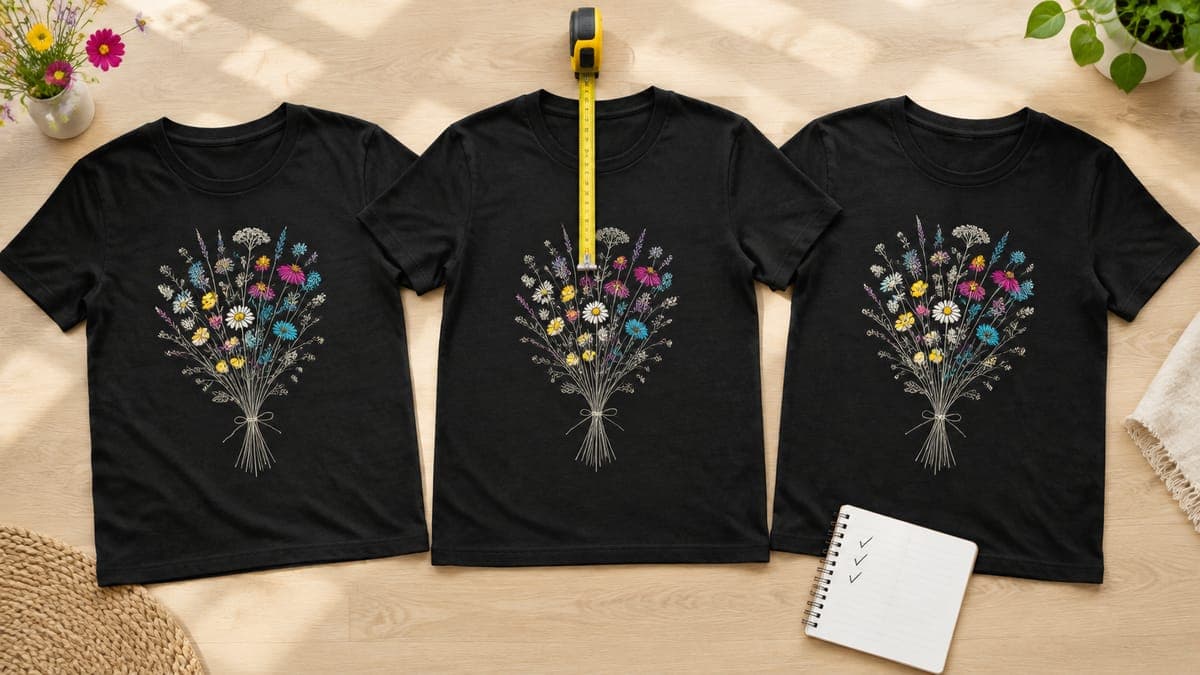
- Placement: measure from the collar. Printify’s tolerance is 0.5 inches for DTG and DTF, so anything further off counts as a defect you can report.
- Fabric and fit: check the size against the catalog chart (Printify allows about 1 inch on most adult garments).
- Durability: wash it inside out three times and look again.
- Speed and packaging: note the days from order to delivery and how it arrived.
How to switch providers without losing your Etsy listing
Printify’s Replace feature swaps the provider (or even the blank) behind a product while keeping the listing, URL, SEO history and favorites on Etsy. To switch:
- In My products, open the product’s menu and choose Replace.
- Stay on the Print providers tab, use “Show in stock only” and pick the new provider.
- Check your design on the new print area; sizes differ between providers, so adjust placement if needed.
- Review the title, description and prices, then publish to save the change.
Two details for Etsy sellers. Replace creates a new Etsy shipping profile automatically, so if you use custom rates, pick your existing profile from the drop-down instead. And if the new provider’s production time is different, update your processing times; our guide to Etsy shipping profiles for POD shows how to set them. You can also replace the provider for many products at once when a partner goes downhill.
New print area? Your design is ready for it
Switching partners often means a different print-area size. POD Made Easy renders your design at the exact pixel size of the print area you pick, checks DPI live as you place it, and creates the product in your own Printify shop, so a design made for one partner isn’t stretched to fit another.
Start your free trialRed flags: when to move a product to another provider
- The provider’s Performance Score has slid for several weeks in a row.
- You’re filing reprint or refund requests for the same product more than once a month.
- Orders keep missing their ship-by dates, or the provider appears often on the network status page.
- Popular colors or sizes go out of stock repeatedly.
- Reviews mention fit, fading or color that doesn’t match the photos.
Keep a tested backup provider for each best seller so you can switch in minutes rather than start from scratch. When problems do reach a buyer, our guides to handling misprints and returns and protecting your Etsy reviews cover the next steps.
For the bigger picture on Printify itself, including pricing and whether Premium pays, read our Printify review and the Printify Premium break-even guide. If you’re still choosing a platform, our roundup of the best print-on-demand sites compares the alternatives.
Frequently asked questions
- Which is the best print provider on Printify?
- There isn’t one best provider for every product. Scores change weekly and each partner is strong on different items, so compare the providers for the exact product and market you sell, then confirm with a sample.
- How often are Printify Performance Scores updated?
- Weekly, using data from the previous four weeks. Scores run from 0 to 10 and combine three areas: quality, production speed, and samples and shipping.
- Can I see which provider made a Printify Choice order?
- No. With Printify Choice you pay a fixed price and Printify picks a provider from its top-rated network for each order, but it doesn’t disclose which provider fulfilled it.
- Will switching print providers lose my Etsy reviews or favorites?
- Not if you use Printify’s Replace feature. It changes the provider behind the product while keeping the same Etsy listing, URL, SEO history and favorites, and the listing’s reviews stay with it.
- Why does the same design look different from two Printify providers?
- Each provider uses its own equipment, settings and color tests, even on the same blank garment. That’s why a sample from each provider you’re considering tells you more than any score.
Keep reading
More platforms & providers guides
Platforms & providers
Best Print-on-Demand Sites (2026): Providers vs Marketplaces
The best print-on-demand sites in 2026: providers for your own shop (Printify, Printful, Gelato, Prodigi) vs royalty marketplaces, with margins and picks.
Sep 24, 2026 · 11 min read

Platforms & providers
Printify Review 2026: Pros, Cons and Real Costs for Etsy
Printify review for 2026: how its print-partner marketplace works, real costs on Etsy, Premium, quality by partner, pros and cons, and who it suits best.
Sep 24, 2026 · 11 min read
Platforms & providers
Printify vs Printful (2026): Real Costs and Which to Use
Printify vs Printful in 2026: the same tee costs about $8.80 vs $12.25. See real Etsy profit per sale, plan break-evens, quality, branding and when to use both.
Sep 24, 2026 · 11 min read