Etsy Image Sizes (2026): Every Photo, Banner and Icon Size
Every Etsy image size for 2026 in one table: listing photos, thumbnails, big and mini banners, shop icon, profile photo and video, checked on Etsy Help.
By the POD Made Easy team · September 24, 2026 · 11 min read

Etsy recommends listing photos at least 2000 pixels wide and 2000 pixels tall. For your shop, the big banner needs at least 1200 × 300 px (Etsy suggests 1600 × 400, and its Seller Handbook 3360 × 840 for the best result), the mini banner at least 1200 × 160 px, the logo or shop icon 500 × 500 px and your profile photo 400 × 400 px. Listing videos run 3–15 seconds and up to 100 MB.
Below is every Etsy image size in one place, checked against the Etsy Help Center and Seller Handbook in September 2026, plus the details that trip up print-on-demand (POD) sellers: how thumbnails crop, which aspect ratio to use and how to make provider mockups fit.
Key takeaways
- Listing photos: at least 2000 px on both sides. Your first photo needs at least 635 px on each side, or it can show up lower in search.
- Use JPG, PNG, GIF, SVG or HEIC in sRGB. Transparent parts of a PNG show up black on Etsy, so never upload a print file as a listing photo.
- Big banner: 1200 × 300 minimum, 1600 × 400 recommended, 3360 × 840 per the Seller Handbook. All three are the same 4:1 shape.
- Thumbnails are crops of photo 1, shown square, portrait and landscape, so keep the product centered with space around it.
- Each listing takes up to 20 photos and 2 videos. Videos are 3–15 seconds (5–15 is the safe range), up to 100 MB, with the sound removed.
Etsy image sizes cheat sheet (2026)
Here’s every image Etsy asks for, with the minimum it accepts, what it recommends and the size we’d export at if we were setting up a POD shop today.
| Image | Etsy recommends | Minimum or limits | Our pick |
|---|---|---|---|
| Listing photos | At least 2000 px wide and tall | First photo at least 635 px on each side; up to 20 photos | 3000 × 2250 px (4:3), JPG |
| Listing thumbnail | A crop of photo 1, shown square, portrait and landscape | Set with Adjust thumbnail in the listing editor | Product centered, space on every side |
| Listing video | At least 1080 px | 500 px minimum; 3–15 seconds; 100 MB; 2 per listing; no sound | 1920 × 1080 px, 5–15 seconds |
| Big shop banner | 1600 × 400 px (Seller Handbook: 3360 × 840 px) | 1200 × 300 px | 3360 × 840 px, text in the center |
| Mini shop banner | 1600 × 213 px | 1200 × 160 px | 1600 × 213 px |
| Logo (shop icon) | 500 × 500 px | At least 500 × 500 px; JPG, PNG or GIF under 10 MB | 500 × 500 px, simple and bold |
| Profile photo | 400 × 400 px | Square; the Seller Handbook says at least 400 × 400 px | 400 × 400 px or larger, face filling most of the frame |
| About section photos | Any size, displayed cropped to 760 × 468 px | Up to 5 photos; JPG, PNG or GIF up to 2 MB | 760 × 468 px, or larger at the same shape |
| About section video | – | MP4, MOV, AVI, MPEG or M4V up to 300 MB | A short behind-the-scenes clip |
| Order receipt banner | – | 760 × 100 px minimum | 760 × 100 px |
| Carousel banner | 1200 × 300 px | Etsy Plus only | – |
| Collage banner | – | Etsy Plus only; 600 × 300 px (2 images), 400 × 300 (3), 300 × 300 (4) | – |
| Team logo | 170 × 100 px | For Etsy Teams | – |
From Etsy’s Help Center and Seller Handbook, checked September 2026. “Our pick” is our recommendation, not an Etsy rule.
Two numbers in that table matter more than the rest. Etsy’s search visibility page lists a high-resolution primary photo (it recommends 2000 px or more on both sides) among the things that help a listing get priority placement, and Etsy’s image guidelines say a first photo under 635 px on either side can show up lower in search.
Etsy listing photo size and file rules
Etsy’s image requirements page recommends listing photos with a width and height of at least 2000 pixels. Smaller photos still upload, but they give buyers less to zoom into and give Etsy’s compression less detail to work with. Etsy compresses every upload to keep pages fast, so photos can look slightly softer on the site than on your computer.
- File types: JPG, GIF, PNG, SVG and HEIC. Animated GIFs aren’t supported, and neither is transparency: the transparent parts of a PNG appear black.
- Color: save in sRGB. Etsy converts images to sRGB anyway, and CMYK or wide-gamut files can shift color when it does.
- File size: Etsy warns that images over 1 MB may not finish uploading on a slow connection. A JPG at 80–90% quality is usually a good balance; if uploads stall, lower the quality a notch.
- Count: up to 20 photos per listing, plus up to 2 videos.
What aspect ratio should Etsy photos be?
Etsy says your first photo should be horizontal (landscape) or square, so the center of the image survives the cropped thumbnail views, and the same article recommends landscape images over square crops. The first photo also sets the shape of the photos that follow, so Etsy suggests using one shape for every photo in a listing.
Etsy also crops for display. Since August 2023, Shop Home has shown listing images as squares, and other pages use portrait or landscape crops. That’s why a slightly wide photo with the product in the middle works best: it crops cleanly every way.
| Ratio | Size with 2000 px+ on both sides | Use it when |
|---|---|---|
| 4:3 landscape | 3000 × 2250 px (minimum 2667 × 2000) | Your default for every POD listing: crops cleanly to square and landscape |
| 3:2 landscape | 3000 × 2000 px | Your mockup source or camera exports 3:2 |
| 1:1 square | 2500 × 2500 px | Mugs, stickers and flat lays where a square frame suits the product |
| Portrait (4:5 or 2:3) | 2000 × 2500 px or 2000 × 3000 px | Later photos only, such as a full-length fit shot; avoid for photo 1 |
Pixel sizes are our suggestions. Etsy asks for at least 2000 px on both sides and a landscape or square first photo.
Etsy thumbnail size: how photo 1 gets cropped
There’s no separate thumbnail upload and no single thumbnail size. Your thumbnail is a crop of your first photo, and Etsy uses three versions of it around the site: square, portrait and landscape. You control the framing with the thumbnail tool:
- In Shop Manager, open Listings and edit the listing.
- Crop the photo first if you need to, because cropping changes the thumbnail.
- Choose Adjust thumbnail and use the slider to zoom in or out.
- Position the image so the product is clear in all three views, then select Apply.
Our rule of thumb for POD mockups: keep the whole product inside the central square of the photo, and keep the words of your design inside the middle half of the width. On a 3000 × 2250 px photo, that’s the central 2250 × 2250 square, with text inside the middle 1500 px. Etsy’s own tip points the same way: frame the shot further back than you think you need, with plenty of space around the product.
Etsy banner size: big banner, mini banner and mobile
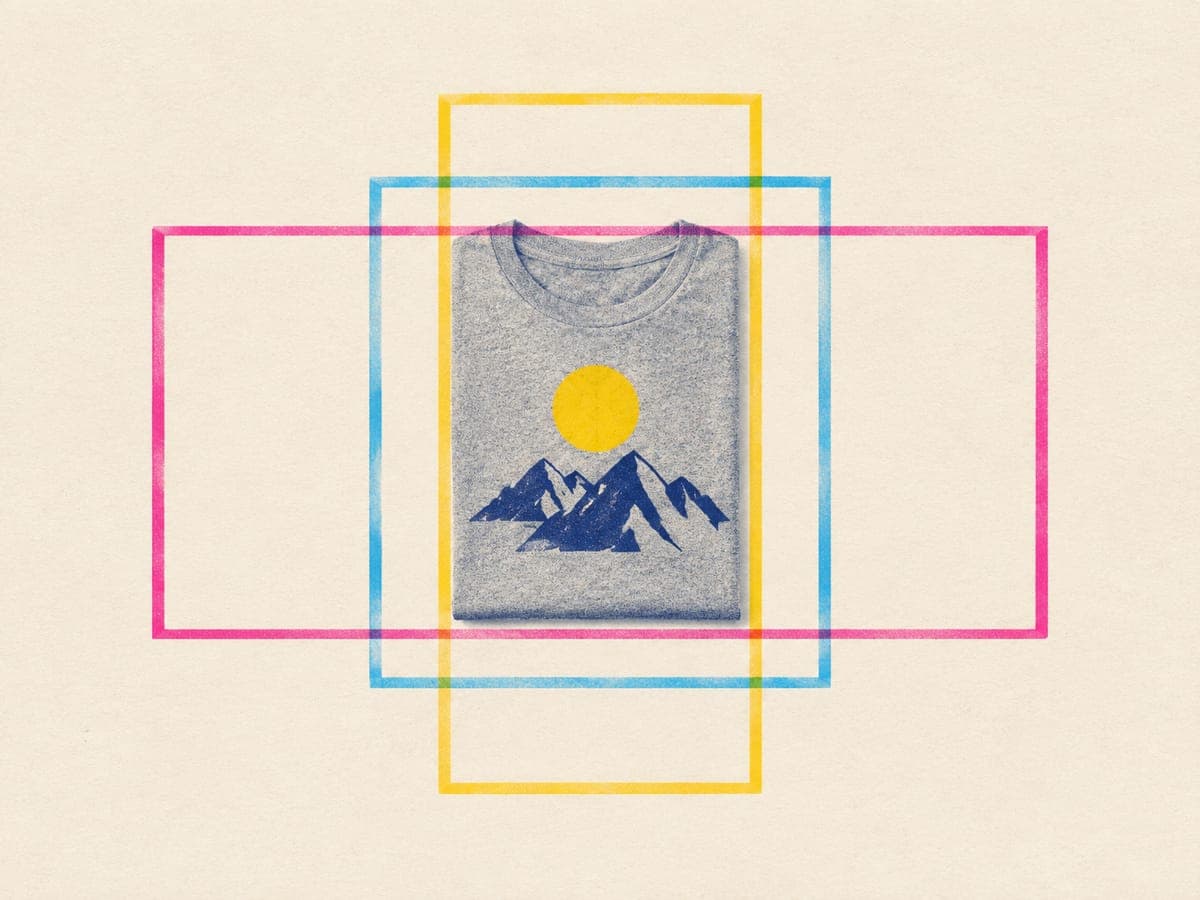
Etsy offers two standard banners. The big banner needs at least 1200 × 300 px; the Help Center recommends 1600 × 400 px and the Seller Handbook says 3360 × 840 px for optimal performance. All three are the same 4:1 shape, so design at 3360 × 840 px and it will stay sharp on large, high-density screens.
The mini banner needs at least 1200 × 160 px, and Etsy recommends 1600 × 213 px. It pushes your listings higher up the page on desktop, but the Seller Handbook notes that mini banners don’t appear on mobile devices. You can also choose no banner at all, which makes your logo the main branding on the page.
- Keep text sparse and centered. Etsy advises keeping any text in the center and large enough to read on a phone, because the banner is scaled down on small screens.
- Show products, not slogans. Three or four of your best designs on products in one styled scene tells a buyer what your shop is about in a second.
- Link it. A big banner (and the Etsy Plus carousel) can link to a listing or a shop section, which is a good home for a seasonal collection.
- Change it with the seasons, not every week. The Seller Handbook suggests seasonal updates but warns against changing it so often that your brand stops being recognizable.
To add or change a banner, open Shop Manager, select the pencil icon next to your shop name under Sales Channels, choose Banner, pick the type and select Done. If you’re still settling on your branding, our Etsy shop name ideas guide covers names, logos and the checks to run first.
Etsy shop icon (logo) and profile photo size
What sellers call the shop icon, Etsy now calls your logo. Upload a square image of at least 500 × 500 px as a JPG, PNG or GIF under 10 MB. It shows at full size on your shop home, but much smaller in activity feeds, receipts and the Etsy app, so test it at thumbnail size before you commit. Etsy says a missing logo may affect your visibility in search, and its search visibility page checks for one.
To add it, go to Shop Manager → Settings → Your shop, then select Add or Edit under Logo. For a POD shop, one simple mark tied to your niche works better than a detailed illustration, and it must be your own: no characters, team marks or anything that looks like a famous brand (see our trademark guide for POD sellers).
Your profile photo should be a square image of at least 400 × 400 px. The Seller Handbook suggests a clear, well-lit photo with your face filling about 70% of the frame, or a brand graphic if you’d rather stay off camera. Two smaller images round out the set: About section photos are cropped to display at 760 × 468 px (up to five, each up to 2 MB), and the order receipt banner needs at least 760 × 100 px, set under Settings → Info & Appearance.
Etsy listing video size, length and format
Each listing can have up to two videos. Etsy accepts MP4, MOV, FLV, AAC, AVI, 3GP and MPEG files up to 100 MB, with a minimum resolution of 500 px and an ideal of at least 1080 px. Sound is removed when the video is added to your listing.
On length, Etsy’s video article says 3–15 seconds while its listing guide says 5–15, so aim for 5–15 seconds and you’re covered either way. Etsy gives the aspect ratio as 2:1 or 1:2 and says most phone and camera recordings are already in an accepted format. Etsy also says listing videos can help how your listings appear in search, which is a good reason to add one to your best sellers.
No stock to film? Order a sample of your top design and record a slow 10-second turn by a window, or use a video mockup from one of the tools in our t-shirt mockup generator comparison.
How to make POD mockups fit Etsy’s sizes
A repeatable routine saves you from fixing photos one listing at a time:
- Pick one ratio for the whole shop. 4:3 landscape suits most apparel. Set every mockup template to it.
- Export at 3000 × 2250 px, or at least 2000 px on the shorter side. Upscaling a small mockup afterwards won’t add real detail.
- Center the product with margin all round so the square and portrait crops don’t clip it.
- Flatten onto a background. Printify’s Mockup Library lets you download mockups with a white or a transparent background; for Etsy, choose white.
- Save as JPG in sRGB and check the file size before you upload a batch.
- Set the thumbnail after uploading, then look at the listing in search on your phone.
- Check Etsy’s search visibility page in Shop Manager for photo issues. Etsy says insights usually clear within 24 hours of a fix.
If you publish through Printify, it also accepts your own custom mockups (JPG, PNG or SVG, up to 30,000 px on a side) and sends up to 20 mockups per product to Etsy. For what to put in each of those slots, see our Etsy mockups checklist.
Get the print file size right, too
Listing photos are only half the job. POD Made Easy makes every final design at the exact print-area pixel size for the product you choose, checks resolution and transparency, and creates the product in your own Printify shop, ready to publish to Etsy.
Start your free trialEtsy image mistakes that cost you clicks
- A transparent PNG as a listing photo. The background turns black. Flatten it onto white or a color first.
- A collage as photo 1. Etsy’s search visibility guidance asks for a single image of the finished product as the primary photo. Move color grids to later slots.
- Mixed shapes in one listing. Photo 1 sets the shape for the rest, so a square hero followed by portrait photos looks messy. Pick one ratio.
- A tiny design in a wide scene. At thumbnail size nobody can read it. Crop tighter or use a flat lay for the hero.
- Banner text near the edges. It gets cut off or becomes unreadable on phones. Keep it centered.
- Colors that shift after upload. Convert to sRGB before uploading. Our RGB vs CMYK guide explains why screens and printers disagree.
Right-sized photos help a listing get clicked, but they’re one part of the picture. Our Etsy SEO guide covers the titles, tags and shop signals that get it seen in the first place.
Frequently asked questions
- Does Etsy compress or resize my listing photos?
- Yes. Etsy compresses images to keep pages fast, so photos can look a little softer than your originals. Uploading at 2000 px or more on both sides, in sRGB, gives the compression plenty of detail to work with.
- Can I upload a transparent PNG to Etsy?
- Etsy accepts PNG files but not transparency: transparent areas show up black. Flatten mockups onto a white or colored background before uploading, and keep transparent PNGs for your print provider.
- Do Etsy photos need to be 300 DPI?
- No. Screens only use pixel dimensions, so a 3000 × 2250 px photo looks the same whether it’s tagged 72 or 300 DPI. DPI matters for the print file you send to your provider, not for listing photos.
- How many photos can I add to an Etsy listing?
- Up to 20 photos and 2 videos per listing at the time of writing. Most POD listings tell the full story in 8–10 images: a hero shot, lifestyle photos, a close-up, color options and a size chart.
- Why does my Etsy thumbnail look cut off?
- Etsy crops your first photo to square, portrait and landscape shapes in different places. Choose Adjust thumbnail in the listing editor, position the product so it’s clear in all three views, and leave extra space around the product when you create the image.
- What size should an Etsy banner be for mobile?
- Use a big banner at 3360 × 840 px and keep any text in the center, as Etsy advises, so it stays readable when the banner is scaled down. Etsy’s Seller Handbook notes that mini banners don’t appear on mobile devices.
Keep reading
More etsy seo guides
Etsy SEO
Etsy Mockups That Sell: A Photo Checklist for POD Listings
Etsy mockups that sell: a 10-slot photo plan for POD listings, what your first photo must do at thumbnail size, accurate colors, alt text and a consistent shop.
Sep 24, 2026 · 10 min read
Etsy SEO
Etsy SEO in 2026: The Complete Guide for POD Sellers
Etsy SEO for print-on-demand in 2026: how Etsy search matches and ranks listings, what goes in titles, tags, attributes and photos, plus a one-page checklist.
Sep 24, 2026 · 13 min read
Etsy SEO
Etsy Views but No Sales? 12 Fixes for POD Listings
Getting Etsy views but no sales? Find the real leak in your stats in 10 minutes, then work through 12 fixes for POD listings, ranked by likely impact.
Sep 24, 2026 · 11 min read