Best T-Shirt Mockup Generators for POD Sellers (2026)
T-shirt mockup generator options for POD compared: Printify, Printful, Placeit, Canva, Dynamic Mockups, PSDs and AI, with prices checked and license tips.
By the POD Made Easy team · September 24, 2026 · 9 min read
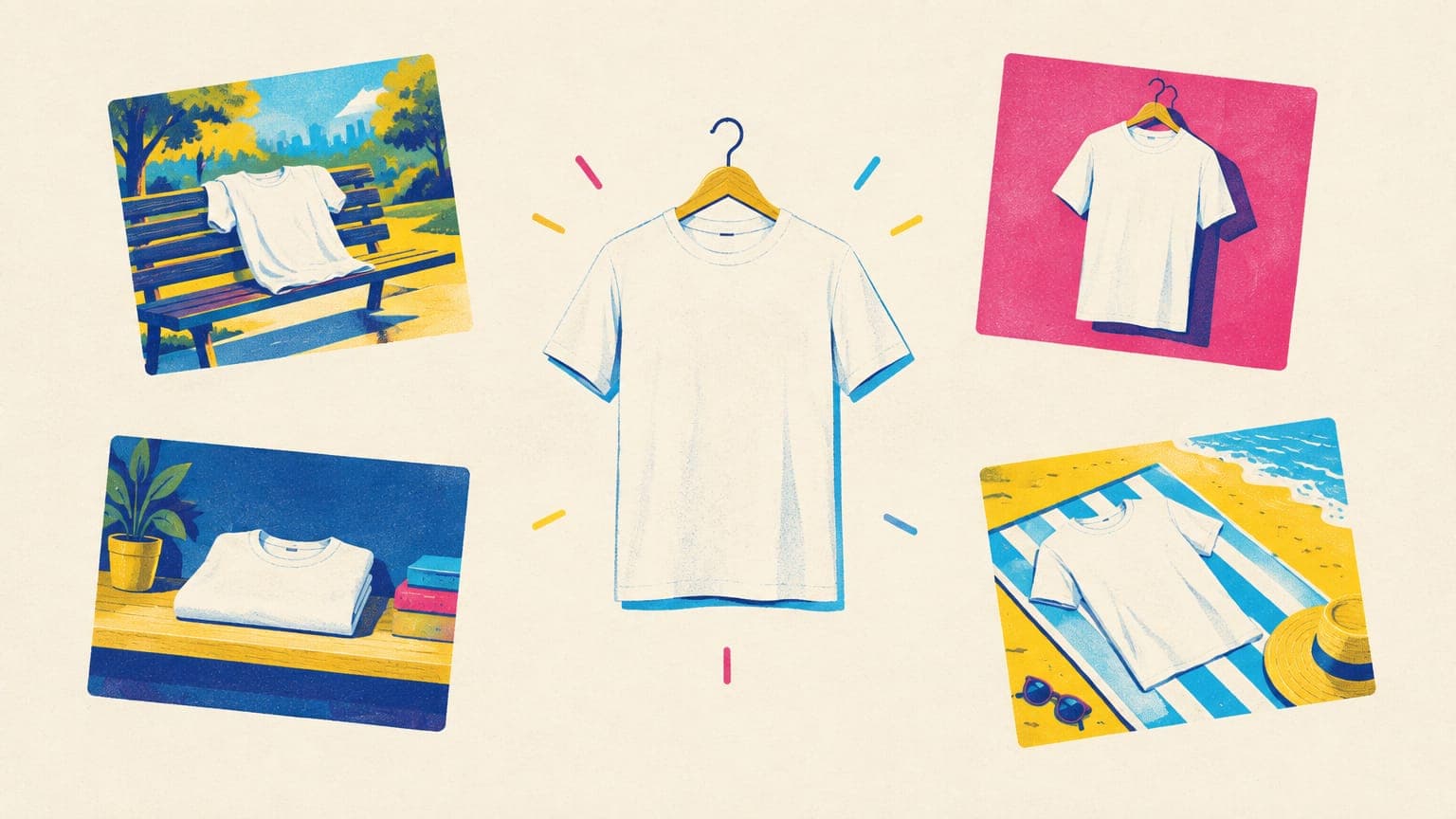
For most print-on-demand (POD) sellers, the best t-shirt mockup generator is the free one built into your provider: Printify and Printful both render mockups of the exact blank you sell, in every color, at no cost. Paid tools earn their place when you want lifestyle scenes, a consistent shop look or batch output. Placeit costs $14.95 a month or $89.69 a year, Dynamic Mockups has a free tier and a Pro plan from $15 a month billed yearly, and Canva Pro is US$144 a year.
This comparison covers seven options with prices checked in September 2026, what makes a mockup actually convert on Etsy, and the licensing and AI questions most roundups skip.
Key takeaways
- Start with your provider’s free mockups: they show the exact blank, colors and print area you sell.
- Placeit is $14.95 a month or $89.69 a year for unlimited downloads with a commercial license. Printify’s Placeit integration covers front-print apparel.
- Dynamic Mockups has a free tier (50 credits) and Pro from $15 a month billed yearly; Canva Pro is US$144 a year; Printful’s generator is free.
- AI mockups are quick, but they must show your real product accurately, and AI-generated people may need an ad disclosure in New York.
- Whatever the tool, match the mockup to the blank, the colors and the print size buyers will receive.
T-shirt mockup generators compared (2026)
| Tool | Price (Sept 2026) | Best for | Watch out for |
|---|---|---|---|
| Printify Mockup Library | Free; AI mockups need Premium ($24.99/mo billed yearly or $39 monthly) | Exact-blank mockups that publish straight to Etsy | Studio shots can look generic |
| Printful Mockup Generator | Free for Printful products | Many angles, models and scenes of Printful blanks | Only covers Printful’s own products |
| Placeit | $14.95/mo or $89.69/yr, or pay per item | A large lifestyle and video mockup library | Pick templates whose shirt matches your blank |
| Canva Mockups | Free; Pro US$144/yr | Quick scenes if you already design in Canva | Some tools and templates need Pro |
| Dynamic Mockups | Free (50 credits); Pro $15/mo billed yearly or $19 monthly | Batch exports, custom PSD uploads, Etsy and Shopify integrations | Credits run down with batches and AI features |
| Photoshop or Photopea with PSD templates | Photoshop subscription or free Photopea; PSDs free to paid | A distinctive look and full control | Slower, and every PSD has its own license |
| AI mockup tools | Varies by tool | Lifestyle variety without a photoshoot | Details drift; AI people may need a disclosure |
Prices from each company’s website in September 2026, in US dollars before tax. Plans change, so check before you buy.
Start free: Printify and Printful mockups
Printify generates mockups for every product you create, and its Mockup Library lets you filter them by color, size and type, choose a different set for each color, reorder them, and download them with a white or transparent background. You can also upload your own mockups (JPG, PNG or SVG, up to 30,000 px on a side) and link each one to a variant. Etsy takes a maximum of 20 mockups per product, and selecting more makes publishing fail.
One setting is easy to miss. Printify can preview mockups in RGB, which looks brighter, or CMYK, which is closer to the printed result, and your choice carries through to the mockups it sends to Etsy. If your design uses bright or neon colors, the CMYK preview sets more honest expectations.
Printful’s mockup generator is free for Printful products: create a product template in your dashboard, add your design and download mockups to use on any sales channel, from studio shots to lifestyle scenes with models. The limitation is the flip side of the strength. Both tools show only their own blanks, which is exactly why they’re the most accurate place to start. Our Etsy mockups checklist shows how to arrange them into a full listing.
Placeit vs Canva vs Dynamic Mockups
Placeit
Placeit, owned by Envato, is the big lifestyle library. At the time of writing, its pricing page lists $14.95 a month or $89.69 a year for unlimited downloads of mockups, templates and videos, or you can pay per item. Every purchase includes Placeit’s commercial license, and you keep access to past downloads after cancelling. There’s a one-month minimum once you’ve downloaded anything. Files come as PNG images and MP4 videos, so video mockups are an easy way to fill Etsy’s video slots.
Printify has a built-in Placeit integration in its Mockup Library. It covers front-print apparel only, and Placeit mockups arrive as “unlinked” mockups: you can use one as the main image, but you can’t tie it to a specific color variant. Printify’s help center mentions a lower annual price when you subscribe through the integration, so compare the price shown at checkout.
Canva
Canva markets its Mockups tool as free, and it can turn your own product photos into mockup templates using AI. Pro, at US$144 a year for one person on annual billing, adds tools such as background removal, Magic Expand and a brand kit. It makes the most sense if you already design in Canva; our guide to using Canva for print-on-demand covers the license questions for designs themselves.
Dynamic Mockups
Dynamic Mockups is built for volume. The free plan includes 50 credits for watermark-free exports, the full mockup library, batch export of up to five variations and uploads of your own Photoshop mockups. Pro starts at $15 a month billed yearly (3,600 credits a year) or $19 billed monthly (300 credits a month), and adds unlimited batch exports and integrations including Etsy and Shopify. Its AI features use credits too: 5–15 per AI image and 40–160 per AI video, after a small free daily allowance.
Photoshop PSD mockups: worth the extra time?
A PSD mockup is a layered Photoshop file with a smart object where the design goes. You replace the smart object’s contents with your artwork, and the file’s shading and warp layers wrap it around the folds of the shirt. Many templates also include a color layer, so one file covers every shirt color you sell.
You don’t need Photoshop for this. Photopea, a browser-based editor with a free tier, opens PSD files and supports smart objects, and Dynamic Mockups accepts custom PSD uploads, which lets you batch your own templates across many designs.
PSDs are worth the time when you want a look nobody else has, or your niche needs scenes stock libraries don’t offer. Place the design at its real print size, not bigger, and export as a JPG in sRGB at the dimensions in our Etsy image sizes cheat sheet.
AI mockup generators: fast, but keep them honest
AI can now put your design into lifestyle scenes in seconds. Printify’s AI mockups are included with Premium, with 10 generation attempts every 24 hours on selected products: you choose a “With model” or “Close-up” shot, adjust the model and pose options, and pick a preset background (such as a cozy room, studio light or nature) or write your own. Dynamic Mockups and Canva offer AI mockup features as well. Whether Premium pays for itself is a separate question, answered in our Printify Premium breakdown.
The risk is accuracy. AI can change the neckline, invent fabric texture, warp or resize your design, or shift its colors, and Etsy only allows mockups that illustrate the product buyers will receive. Zoom in on every AI mockup and compare it with your provider’s plain mockup before it goes live.
That disclosure is separate from Etsy’s own rule about AI-made designs, which our guide to selling AI designs on Etsy covers.
What makes a t-shirt mockup convert
The tool matters less than these checks, which apply to every mockup you publish:
- Readable at thumbnail size. Shrink it to phone-search size: you should still be able to read the words and see who it’s for.
- The exact blank. Neckline, fit and fabric should match the shirt you sell.
- Honest color. Use a CMYK preview for bright palettes; our RGB vs CMYK guide explains why screens overpromise.
- The real print size. A design shown larger than it prints leads to disappointed buyers.
- A hero color with contrast. Pick the shirt color where the design reads best (our t-shirt colors guide helps).
- A scene your buyer recognizes, and the same background style across your shop.
- Etsy-ready files: at least 2000 px on both sides, flattened onto a background.
Try this idea in POD Made Easy
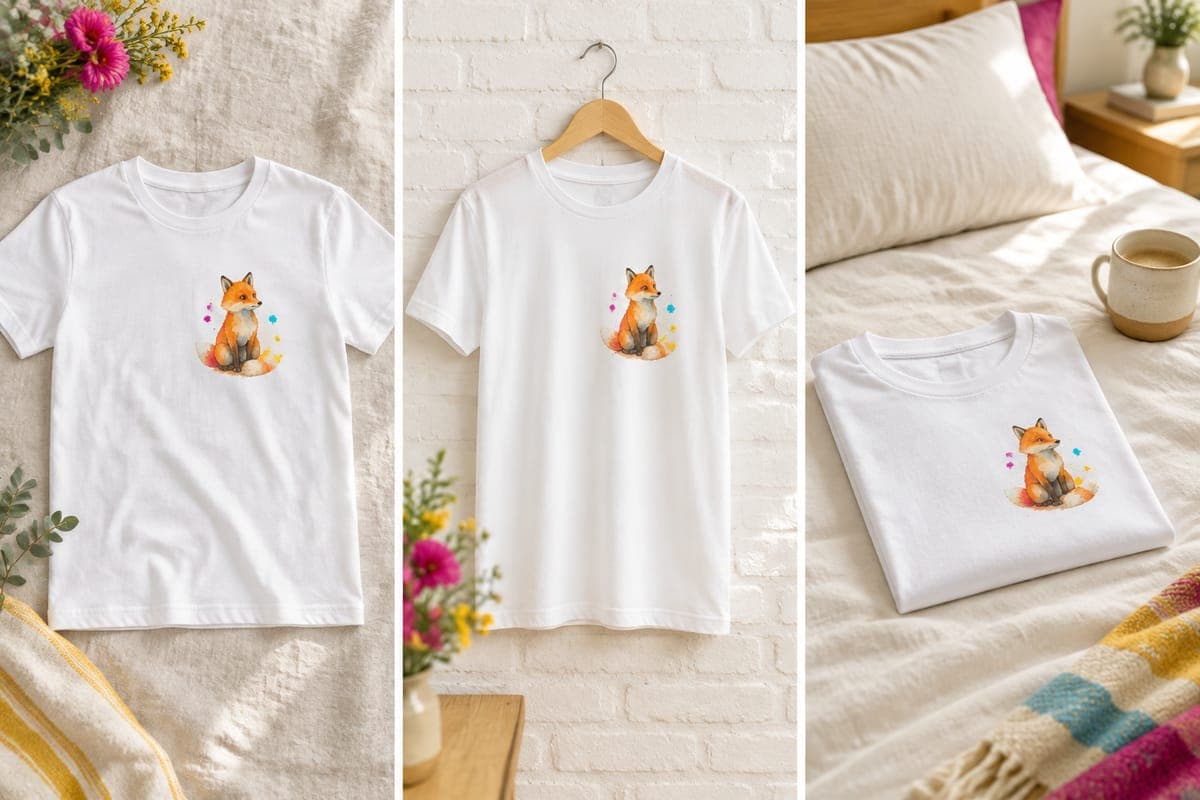
“Hand-drawn watercolor fox curled up in autumn leaves, soft rust and sage palette, clean edges on a transparent background for light tees”
Start with a design worth mocking up
POD Made Easy doesn’t make mockups. It turns your idea into a print-ready tee design at the exact print-area size, with spell-checked text, then creates the product in your own Printify shop, where Printify’s free mockups are generated automatically.
Start your free trialMockup licensing: what you can and can’t do
- Placeit: its license lets you use mockups you create for commercial purposes, including listings and ads. It’s non-exclusive, so other sellers can use the same template, and you can’t redistribute the templates themselves.
- Provider mockups: they’re made to show that provider’s products. Using a Printful mockup for a shirt printed elsewhere on a different blank misrepresents what the buyer gets.
- PSD templates: licenses vary by seller and marketplace. Check that yours covers commercial use in product listings, and keep the license with the file.
- Free mockup sites: some require a credit or ban commercial use. Read the terms before you download.
- Your own photos of people: get written permission (a model release) from anyone who appears in them.
Etsy adds its own layer: by uploading an image, you confirm you have the rights to use it.
Which mockup generator should you use?
| If you… | Use | Why |
|---|---|---|
| Are starting out with fewer than 20 listings | Printify or Printful mockups | Free and exact |
| Want lifestyle scenes on a budget | Placeit (annual) or Canva | Big libraries for a flat fee |
| Publish many designs or colors every week | Dynamic Mockups | Batch exports and store integrations |
| Want a signature shop look | PSD templates in Photoshop or Photopea | Full control, fewer look-alike scenes |
| Need varied lifestyle shots fast | AI mockups, such as Printify Premium’s | Quick variety; check accuracy and disclosure |
A starting point, not a rule. Free provider mockups plus one paid source covers most listings.
Mockups are one line in your tool budget. Our roundup of the best print-on-demand tools shows how they fit with design, research and listing tools at different price points.
Frequently asked questions
- What is the best free t-shirt mockup generator?
- For POD, the one built into your provider. Printify and Printful mockups are free and show the exact blank, colors and print area you sell. For free lifestyle scenes, Canva’s mockup tool and Dynamic Mockups’ free tier are the next places to look.
- Can I use Placeit mockups on Etsy?
- Yes. Placeit includes a commercial license with its downloads, which covers using mockups in your listings and marketing, and you keep access to past downloads after you cancel. Choose templates whose shirt style matches the blank you actually sell.
- Are AI mockups allowed on Etsy?
- Etsy allows mockups for POD designs as long as they illustrate the product buyers will receive, and that applies to AI-generated scenes too. Check every detail, and remember that a New York law now requires ads to disclose AI-generated people.
- What size should a t-shirt mockup be for Etsy?
- At least 2000 px on both sides, as Etsy recommends. We export at 3000 × 2250 px (4:3) as a JPG in sRGB, with the shirt centered and a solid background rather than transparency, which shows up black on Etsy.
- Do I need Photoshop to use PSD mockups?
- No. Photopea, a browser-based editor with a free tier, opens PSD files and supports smart objects, and Dynamic Mockups lets you upload your own Photoshop mockups and export them in batches.
Keep reading
More design guides
Design
Best AI Image Generators for T-Shirt Designs (2026)
The best AI image generator for t-shirt designs depends on the job. We compare 8 tools on text, transparency, resolution, vector output, rights and cost.
Sep 24, 2026 · 13 min read
Design
100 AI Prompts for T-Shirt Designs That Print Well
100 original AI prompts for t-shirt designs, sorted by style and niche, plus a simple prompt formula and print-safe add-ons that work in ChatGPT or Midjourney.
Sep 24, 2026 · 19 min read
Design
Best-Selling T-Shirt Colors for POD (and How Many to Offer)
Best-selling t-shirt colors for print-on-demand, without made-up data: staple neutrals, garment-dyed and seasonal picks, contrast rules and how many to offer.
Sep 24, 2026 · 8 min read