Best Print-on-Demand Tools in 2026: Design, SEO, Mockups
The best print-on-demand tools in 2026, sorted by job: design, keyword research, mockups, trademark checks and publishing, plus $0, $25 and $75 tool stacks.
By the POD Made Easy team · September 24, 2026 · 10 min read
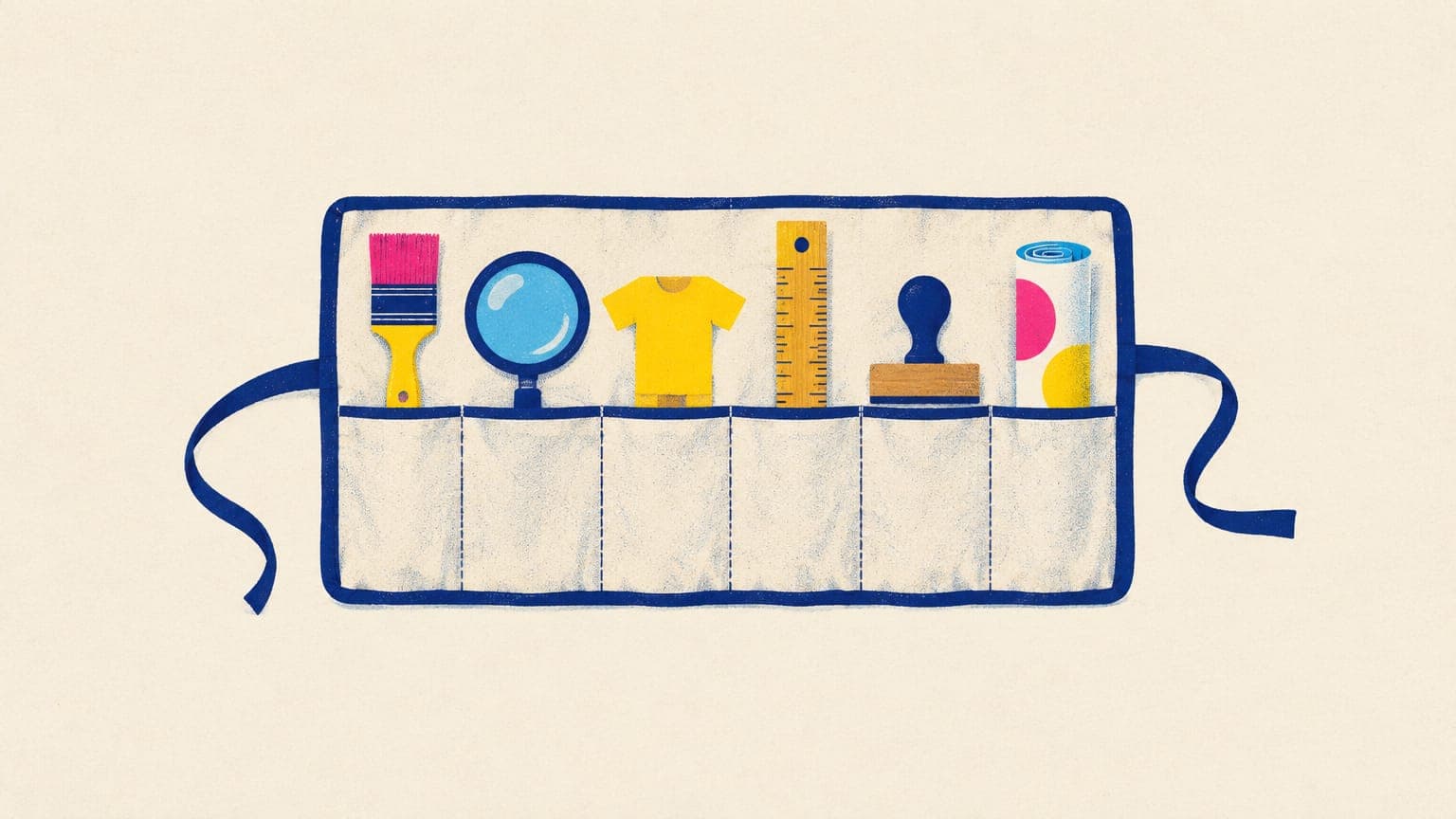
The best print-on-demand tools are the ones that remove your slowest step. For most side-hustle sellers, that means five jobs: making print-ready designs, finding the keywords buyers use, creating mockups, checking trademarks, and publishing products without hours of copy-and-paste. Several of the best options are free.
This roundup sorts POD tools by job, with prices checked in September 2026, notes on what each does badly, and three ready-made stacks for $0, about $25 and about $75 a month. We make POD Made Easy, which appears in a few categories, so we say plainly where it fits and where another tool is the better buy.
Key takeaways
- Start free: your provider’s product creator and mockups, Canva’s free plan, Etsy’s Marketplace Insights and a USPTO search cover the basics.
- Pay for the job that eats your week. For most non-designers that’s design and file prep; for others it’s research or mockups.
- Third-party Etsy research tools estimate sales. Etsy’s own Marketplace Insights shows real search counts, with 15 free lookups a week.
- Check licenses before you sell: Kittl’s free plan is for personal use only, and template and stock licenses can limit use on merchandise.
- Avoid tools that automate uploads to marketplaces that ban it, such as Merch on Demand and Redbubble.
The best POD tools at a glance
You don’t need one tool per row. Start with the free column and upgrade one job at a time.
| Job | Free option | Paid option (Sept 2026) | Best for |
|---|---|---|---|
| Design | Canva Free; Printify Product Creator | Canva Pro (US$144/yr); Kittl paid plans (about $10–$30/mo) | Text-led and graphic designs |
| AI design to print-ready file | Printify AI Image Generator (15 images a day) | POD Made Easy (from $24/mo) | Non-designers who want finished files and listings |
| Keyword research | Etsy Marketplace Insights (15 lookups a week); eRank Free | eRank ($5.99–$29.99/mo); Everbee ($24.99–$69/mo); Alura ($7.99–$29.99/mo) | Finding phrases buyers search |
| Mockups | Printify and Printful mockups | Placeit (about $8.33/mo billed yearly); AI mockups with Printify Premium | Listing photos |
| Trademark checks | USPTO, UK IPO and EUIPO searches | Not needed to start | Avoiding IP takedowns |
| File and profit checks | Our DPI checker, tag checker and Etsy fee calculator | Not needed to start | Catching blurry files and thin margins |
| Publishing and bulk edits | Printify bulk actions; Etsy bulk edit | POD Made Easy; MyDesigns (from $24.99/mo) | Creating and updating many products |
Prices from each tool’s pricing page in September 2026, in US dollars. Plans change often, so check before you subscribe.
Design tools
Design is where most beginners lose the most time, and where the right tool depends on whether you like designing.
Canva is the easiest place to start. The free plan covers text-led designs and simple layouts, and Canva Pro (listed at US$144 a year for one person when we checked) adds the background remover, Magic Resize and premium templates and stock. The catch is licensing: templates and stock elements come with rules about use on products for sale, so read our guide on using Canva for print-on-demand before you list anything built from them.
Kittl is stronger on typography and vintage-style layouts, with built-in AI image models and a vectorizer. Paid plans run roughly $10–$30 a month. Note that Kittl’s free plan is for personal use only; its paid Pro and Expert plans include a commercial license covering up to 500,000 copies.
Printify’s Product Creator is free and includes an AI Image Generator with 15 generations a day. Images come out at 1024 × 1024 pixels, and Printify upscales them when an order goes to production. That’s fine for testing an idea, but you get little control over text and no chance to check the full-size file first. Printful’s free Design Maker does a similar job for simple text and clip-art designs.
AI image generators such as GPT Image, Gemini’s image models, Ideogram, Recraft and Midjourney produce the most varied artwork, but rarely a finished print file: sizes are small, backgrounds need removing, and AI-rendered text often contains typos. Our comparison of the best AI image generators for t-shirt designs covers text accuracy, transparency and cost per image.
Free editors fill the gaps: Photopea runs in the browser and opens PSD files, GIMP is a free desktop editor, and Inkscape is a free vector editor for cleaning up text and flat art.
Tools for print-ready files and profit checks
A design isn’t finished until the file prints cleanly and the price leaves a profit. Three checks catch most problems before a buyer does:
- Resolution. Work out the pixels your print area needs (inches × 300 DPI). A full-front tee is usually 4500 × 5400 px, and the DPI checker below does the math for any file you already have.
- Transparency. Printify’s Product Creator has a built-in background remover (50 “Quick remove” uses a month at the time of writing), and Canva Pro has one too. Check edges for semi-transparent pixels that print as halos; our transparent PNG guide shows how.
- Profit. Run each price through the Etsy fee and profit calculator, including the Offsite Ads scenario. Printify’s pricing tool suggests a retail range, and a store setting applies a default profit margin to new products.
Keyword research and Etsy SEO tools
Start with the free source that uses real data. Etsy’s Marketplace Insights (Shop Manager → Stats) shows how many searches and listings a keyword had in the last 30 days, plus related terms and trends. You get 15 keyword lookups a week free, or unlimited with Etsy Plus ($10 a month). Your own Stats also show the exact search terms buyers used to find your listings.
Paid tools add speed, history and competitor data:
- eRank has a free plan (5 keyword lookups a day) and paid plans at $5.99, $9.99 and $29.99 a month. It covers keyword research with trend data across Etsy, Amazon and eBay, listing audits, rank checks and competitor tracking. In our view, it’s the best value for tag and title work.
- Everbee focuses on product research. Its Chrome extension overlays estimated monthly sales and revenue on Etsy search results. There’s a free Hobby plan (10 keyword searches), then Growth at $24.99 a month and Business at $69, with no free trial.
- Alura is Etsy-only, with a free plan and paid plans at $7.99, $14.99 and $29.99 a month, combining research, a listing optimizer and A/B tests on higher plans.
Remember that sales and revenue figures in third-party tools are estimates, not Etsy data. Our Everbee vs eRank comparison explains how each one calculates its numbers, and our Etsy keyword research guide shows a free method that works with any tool.
Free Etsy title & tag checkerCheck title length, the 13-tag limit and 20-character tags before you publish.Mockup tools
Your provider’s mockups are the safest default: they’re free and show the real product, colors and print placement. Printify also has a Mockup Library for uploading your own images, and Printify Premium includes AI mockups (10 generations every 24 hours at the time of writing) that place your design in lifestyle scenes. Printify notes that AI mockups showing human models may fall under advertising disclosure laws in New York.
For more variety, Placeit sells an unlimited-download subscription with commercial rights included; the annual plan worked out to about $8.33 a month when we checked. Photoshop mockup templates give the most control if you already use Photoshop or Photopea.
Whatever you use, the mockup must match what the buyer receives: the same garment color, print size and placement. Our roundup of t-shirt mockup generators compares the options in detail.
Trademark and IP checks
Trademark tools don’t need to cost anything. Search the USPTO trademark database for any phrase you didn’t invent, focusing on class 25 (clothing) for apparel, and add the UK IPO and EUIPO searches if you sell there.
Automated checks are a useful safety net. POD Made Easy flags famous brands and characters before you publish, and MyDesigns offers a bulk USPTO check limited to the clothing class. Neither is legal clearance. Characters, lyrics and celebrity names are covered by copyright and publicity rights rather than trademark databases, so a clean search doesn’t make them safe. Our guide to avoiding trademark infringement has a full pre-publish checklist.
Publishing, bulk and automation tools
Your provider already includes useful bulk tools. Printify lets you duplicate products, publish or reprice many at once, set a default profit margin and combine up to 20 products into one Etsy listing. Etsy’s own bulk editor changes titles, tags, prices and production partners across many listings, but Etsy has no way to bulk upload new listings, which is why sellers publish through their provider. Our guide to Printify bulk upload walks through the fastest native workflow.
All-in-one platforms go further. MyDesigns runs a true bulk pipeline (up to 120 products per batch on its top plan) from $24.99 a month, though plan credits expire three months after they’re granted; see our MyDesigns alternatives comparison for the trade-offs.
Three POD tool stacks by budget
Here’s what we’d use at each budget. The totals are monthly, at September 2026 prices.
| $0: testing the waters | About $25: non-designer | About $25: you design | About $75: growing shop | |
|---|---|---|---|---|
| Design | Canva Free; Printify AI generator | POD Made Easy Starter ($24) | Canva Pro (≈ $12/mo, billed yearly) | POD Made Easy Pro ($49) |
| Keywords | Marketplace Insights; eRank Free | Marketplace Insights; eRank Free | eRank Pro ($9.99) | eRank Pro ($9.99) |
| Mockups | Provider mockups | Provider mockups | Provider mockups | Provider mockups |
| Editing and cleanup | Photopea or GIMP | Canva Free | Canva Pro | Canva Pro (≈ $12/mo) |
| Checks | USPTO search; free checkers | USPTO search; free checkers | USPTO search; free checkers | USPTO search; free checkers |
| Monthly total | $0 | $24 | ≈ $22 | ≈ $71 |
Canva Pro is billed yearly at US$144 and shown as a monthly equivalent. Swap eRank for Everbee Growth ($24.99) if product research matters more than tags.
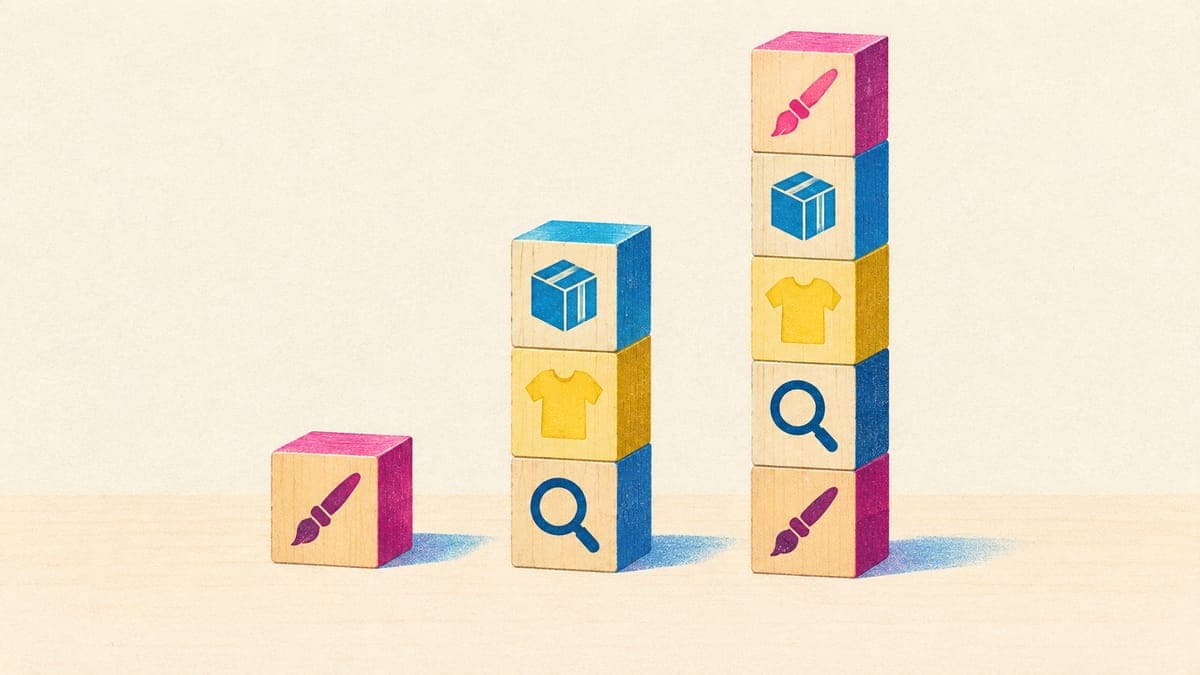
If you’re publishing only two or three designs a month, the $0 stack is enough. Upgrade when a specific job becomes the bottleneck, not because a tool looks impressive.
Where POD Made Easy fits (and where it doesn’t)
We built our studio for sellers who can’t, or don’t want to, design every file by hand. You describe an idea and the exact words to print, pick a product and style, and choose from four cheap drafts. The final comes out at the exact print-area pixel size with clean transparency, and a vision model spell-checks any text. It then writes a buyer-first title, 13 tags and a description with Etsy’s AI-disclosure and production-partner wording, and creates the product in your own Printify shop at your prices, with no fulfillment markup. For Redbubble, TeePublic, Spreadshirt and Merch, you get export packs and a Chrome extension that fills in the upload form for you to review.
Where it isn’t the right tool: it doesn’t provide Etsy keyword volume data (use Marketplace Insights, eRank or Everbee), mockup PSD libraries (use your provider or Placeit) or a layer-by-layer design editor (use Canva or Kittl if you love hand-tweaking layouts). It doesn’t fulfill orders, and it won’t bulk-post to marketplaces that ban automation.
Hand off the design, file prep and listing copy
POD Made Easy turns your idea into a print-ready, spell-checked file at the exact size, writes a buyer-first title, 13 tags and description, and creates the product in your own Printify shop. Unused credits roll over. Try it free for 7 days.
Start your free trialHow to choose POD tools without wasting money
- Time one listing from idea to publish. Write down how long each step takes, then pay to fix the slowest one first.
- Test with a real task. Use the free plan or trial on your next five listings, not on a demo.
- Read the license. Check commercial use, merchandise limits and who owns AI output.
- Check the credit rules. Do credits expire, roll over, and what does each action cost?
- Check lock-in. Can you export your designs, and do your listings keep working if you cancel?
- Check how it connects. Prefer official integrations and API tokens you can revoke. Never hand over your marketplace password.
- Review monthly. Cancel anything you didn’t open in the last 30 days.
Frequently asked questions
- What tools do I need to start print-on-demand?
- At minimum: a free provider account such as Printify, a design tool (Canva’s free plan or an AI generator), Etsy’s free Marketplace Insights for keywords, a trademark search and a way to check print size. Add paid tools once you know which step eats your time.
- Is Canva good enough for print-on-demand designs?
- For text-led and simple graphic designs, often yes. Export a PNG with a transparent background at your print area’s pixel size, and check Canva’s content license before using templates or stock elements on products you sell.
- Do I need a paid Etsy research tool?
- Not at first. Etsy’s Marketplace Insights shows real search counts for 15 keywords a week for free, and your own Stats show the search terms buyers used to find you. Paid tools such as eRank or Everbee help once you research several niches a week.
- Can I sell designs made with AI tools?
- On Etsy, yes: designs you create with AI tools from your own prompts are allowed if you disclose AI use in the description. You’re still responsible for trademarks and copyright, and each AI tool has its own commercial-use terms, so read them.
- What is the best free mockup tool for POD?
- Your provider’s own mockup generator. It’s free and shows the real product, colors and print placement. Printify also lets you upload custom mockups, and paid libraries like Placeit add lifestyle scenes when you want more variety.
Keep reading
More business guides
Business
Print-on-Demand Automation: What to Automate (and What Not)
Print-on-demand automation done safely: which steps to automate, which need a human check, which break marketplace rules, and how much time each saves.
Sep 24, 2026 · 10 min read
Business
How Much Can You Make With Print-on-Demand? Honest Math
How much can you make with print-on-demand? Per-sale profit for tees, hoodies, mugs and stickers after Etsy fees and ads, and what $500 a month really takes.
Sep 24, 2026 · 11 min read
Business
How to Price Print-on-Demand Products (Formula + Tables)
How to price print-on-demand products on Etsy: a formula with every fee, price tables for tees, hoodies, mugs and posters, size upcharges and discount math.
Sep 24, 2026 · 11 min read