Hoodie Design Size: Print Areas, Pixels and Placement (2026)
Hoodie design size for print-on-demand: real print areas from Printful’s catalog, pixels at 300 DPI for front, back, sleeves and left chest, and placement tips.
By the POD Made Easy team · September 24, 2026 · 10 min read
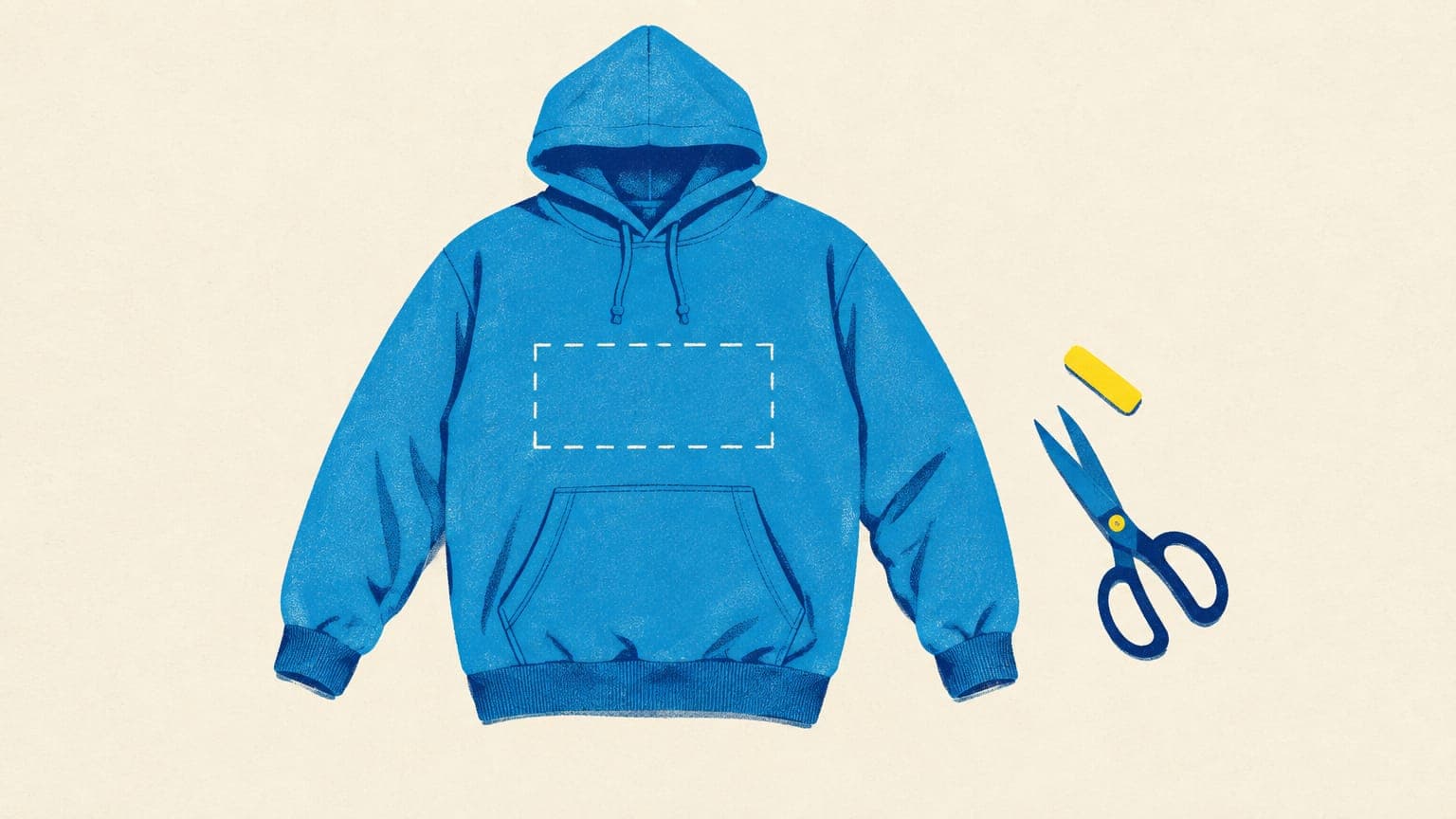
There’s no single hoodie design size, because the front pouch pocket shortens the print area. At Printful, for example, the Gildan 18500 hoodie’s front print area runs from 11 × 11 inches on size S to 14 × 14 inches on 2XL and up, so the full-size design file is 4200 × 4200 px at 300 DPI. Backs are typically 12 × 16 inches (3600 × 4800 px), and long sleeve prints about 3 × 12 inches.
Below you’ll find real print areas for common hoodie and sweatshirt blanks, how to read your provider’s template, the pixel math for every placement and tips for working around pockets, seams, zippers and drawcords.
Key takeaways
- Hoodie fronts are shorter than tee fronts: expect a squarish area of about 10–14 inches, versus up to 15 × 18 inches on some tees.
- Pixels = inches × 300. A 14 × 14 inch front is 4200 × 4200 px; a 12 × 16 inch back is 3600 × 4800 px.
- Read the print area for your exact product and print partner: Printify shows it in pixels, Printful lists it by size.
- Designs are often scaled down on small sizes, so check your mockup on S as well as on 3XL.
- Keep key elements above the pocket and away from seams, zippers and drawcords.
Hoodie print areas at a glance
Print areas vary by product, print partner and print method, so there’s no universal template. To give you real numbers rather than guesses, here are the print areas Printful listed for several hoodies and sweatshirts when we checked its catalog in September 2026, with the pixel sizes at 300 DPI:
| Product and placement | Print area | Pixels at 300 DPI | Notes |
|---|---|---|---|
| Gildan 18500 hoodie, front (DTG) | 11 × 11 in (S) up to 14 × 14 in (2XL–5XL) | 4200 × 4200 for the largest area | Design at 14 × 14 in; smaller sizes get a smaller area |
| Gildan 18500 hoodie, front (DTF) | 15 × 12 in | 4500 × 3600 | A wider, landscape-shaped area |
| Cotton Heritage M2580 premium hoodie, front | 10 × 10 in up to 13 × 13 in | 3900 × 3900 for the largest area | Recommended file is 13 × 13 in |
| Comfort Colors 1567 garment-dyed hoodie, front | 11 × 11 in (S), 13 × 13 in (M), 14 × 14 in (L–3XL) | 4200 × 4200 for the largest area | Also offers a 15 × 18 in large back on L–3XL |
| Gildan 18600 zip hoodie, front | 12 × 8 in up to 15 × 10 in | 4500 × 3000 for the largest area | Mind the zipper down the middle |
| Hoodie back (the models above) | 12 × 16 in on most | 3600 × 4800 | The Comfort Colors 1567 back is 11.5 × 15.5 in |
| Sleeve (DTG) | 3 × 12 in | 900 × 3600 | Runs down the arm |
| Sleeve (DTF) | 3 × 14 in | 900 × 4200 | Where the product offers DTF |
| Outside back-neck label | 3 × 3 in on the Gildan 18500 | 900 × 900 | Small logos and shop marks |
| Embroidered left chest | 4 × 4 in on most of these models | 1200 × 1200 | Stitch limits apply; keep text large |
| Gildan 18000 crewneck sweatshirt, front and back | 12 × 16 in (11.5 × 15.3 in on S) | 3600 × 4800 | No pocket, so a tall, tee-style area |
From Printful’s File guidelines, checked September 2026. Other providers and print partners use different areas, and they change, so check your exact product before you export.
You can see these numbers yourself on each product’s File guidelines tab, for example on Printful’s Gildan 18500 page. Printify’s print areas depend on the print partner you choose, and it shows them in pixels inside the Product Creator, as explained below.
Why a hoodie’s front print area is smaller
On a t-shirt, the front is one flat panel. On a pullover hoodie, the pouch pocket takes up the lower front, its seams and edges don’t print evenly, and the drawcords hang over the upper chest. The usable area is the stretch of fabric in between, which is why hoodie fronts tend to be square rather than tall.
That has a practical consequence if you reuse t-shirt designs. The standard full-front tee file is 4500 × 5400 px, a 5:6 portrait shape, and Printful’s Bella+Canvas 3001 tee offers a front area of up to 15 × 18 inches. Drop that file into a 14 × 14 inch hoodie front and it has to shrink to 14 inches tall, so it prints only about 11.7 inches wide. Square or slightly wide artwork fills a hoodie front far better. For all the tee numbers, see our t-shirt design size and DPI guide.
Crewneck sweatshirts don’t have the pocket problem. The Gildan 18000 crewneck at Printful gets a tall 12 × 16 inch front, the same shape as a standard tee front, so tee designs usually transfer with little change.
How to read your provider’s print area template
- Find the numbers. In Printify, open the product in the Product Creator, choose the print area at the bottom (front, back, sleeve) and open the Upload section: it shows the recommended file size in pixels for the print partner you picked. In Printful, open the product’s File guidelines tab, which lists the print area for each size and method and offers downloadable templates.
- Check how sizes are handled. Printify says it scales DTG and most DTF designs down for sizes smaller than L, never scales them up, and doesn’t scale sleeve prints. Its Product Creator always shows the size L print area; to see another size, select only that size and one color under Select variants, then check the Upload section. Printful generally prints at the same size across sizes but lists a reduced “max print area” for smaller sizes on some products, like the Gildan 18500.
- Use the template. Templates show the print area and the safe zone for key elements. Printify offers PNG and Illustrator templates for some older products (not for products added since September 2024). Delete the guide layers before you export.
- Convert inches to pixels. If a template gives inches, multiply by 300 for the target resolution. Printful’s minimum for DTG apparel is 150 DPI, but 300 DPI gives you headroom for text and detail.
- Note the print method. DTG and DTF print areas differ on the same hoodie, as the table above shows. Our DTG vs DTF guide explains what else changes.
Hoodie placements and pixel sizes
Pixels = inches × DPI. At 300 DPI, every inch of print needs 300 pixels. These are practical planning ranges for each placement; always confirm against your product’s template.
| Placement | Typical size | Pixels at 300 DPI |
|---|---|---|
| Front center (pullover) | About 10–14 in, roughly square | 3000–4200 px per side |
| Left chest | About 3–4 in wide | 900–1,200 px wide |
| Full back | 12 × 16 in (some models up to 15 × 18 in) | 3600 × 4800 (up to 4500 × 5400) |
| Upper back strip, such as a short phrase | About 12 × 4 in | 3600 × 1200 |
| Long sleeve | 3 × 12 in to 3 × 14 in | 900 × 3600 to 900 × 4200 |
| Back-neck label | About 3 × 3 in | 900 × 900 |
Planning ranges based on the Printful examples above. Print areas vary by product and partner.
Front center
The main event. Fill the area if the design is meant to be bold, but many designs look more balanced a little smaller than the maximum: a 12-inch-wide graphic (3600 px) on a 14-inch area leaves breathing room at the sides. Keep the most important element in the upper-middle of the area, clear of the pocket.
Left chest
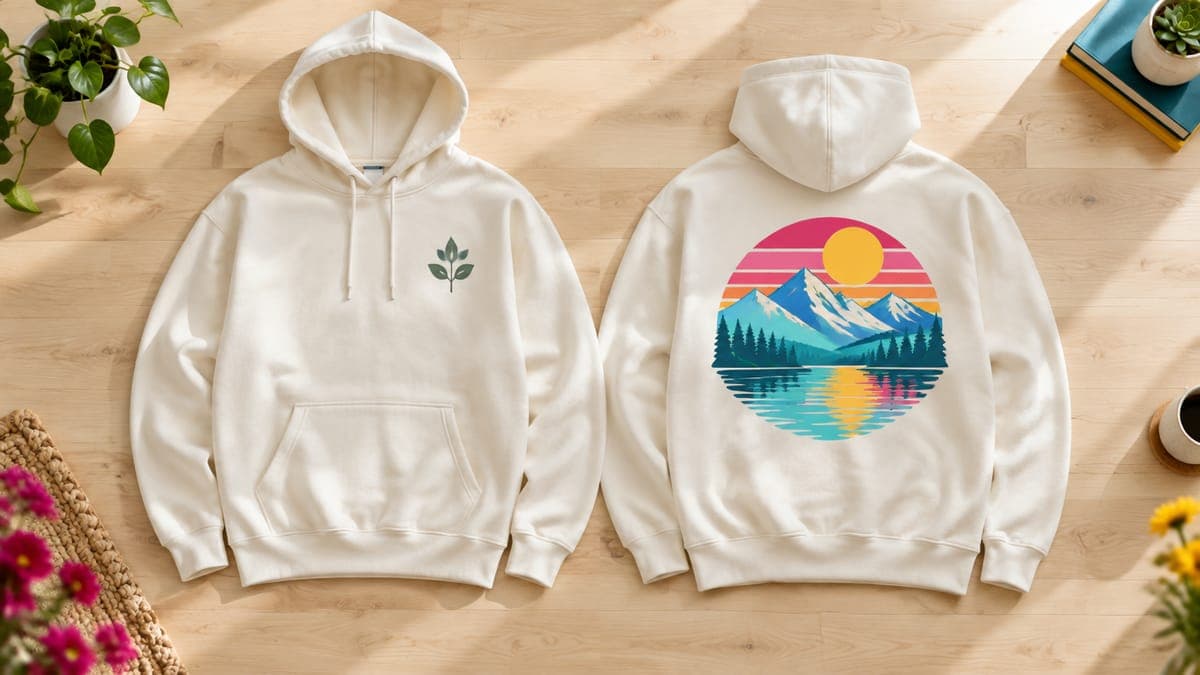
A small logo, icon or short word on the wearer’s left side. At 3–4 inches wide, text needs to be short and bold, and fine detail disappears. On printed hoodies it usually sits inside the front print area, positioned by you; embroidered left-chest designs have their own template (4 × 4 inches at Printful).
Back
The back is flat and pocket-free, so it takes a tall, tee-style design: 12 × 16 inches (3600 × 4800 px) on most of the hoodies above. A classic combination is a small left-chest design on the front with a large graphic on the back. A short phrase across the upper back works too; a strip about 12 × 4 inches is 3600 × 1200 px.
Sleeves
Long sleeve prints are tall and narrow: 3 × 12 inches for DTG at Printful (900 × 3600 px) and 3 × 14 inches for DTF (900 × 4200 px). Vertical words, small repeated icons and dates work well. Decide which way text should read, then check it on a mockup, since a sleeve design that reads upside down is an easy mistake. Only some Printify print partners offer sleeve prints, so use the catalog’s Print area filter to find them.
Labels and extras
Back-neck labels (about 3 × 3 inches) are good for a small shop mark. Extra placements usually cost extra: Printify charges for each print area beyond the first, and Printful listed an extra $5.95 for a back or sleeve print on the Gildan 18500 when we checked. Build that into your price; our guide on how to price print-on-demand products shows how.
Free print DPI checkerCheck how large your hoodie design can print sharply before you place it on the front, back or sleeve.Placement tips for pockets, seams, zippers and drawcords
- Stay above the pocket. Keep text and key details clear of the pocket’s top edge and seams, where the surface isn’t flat.
- Mind the drawcords. Drawcords hang over the upper chest. Check your mockup with them visible and keep small text out of their path.
- Plan around the zipper. On zip hoodies the zipper splits the front down the middle, so a centered word or face gets cut in two. Use a left-chest design on the front and put the big graphic on the back, or design with a deliberate gap in the center.
- Check small and large sizes. With scaling, a 14-inch design on the Gildan 18500 prints about 11 inches wide on size S (11 ÷ 14 of its full size). Look at the S and 3XL mockups before you publish.
- Design for the fabric. Many hoodies are cotton-poly blends (the Gildan 18500 is 50/50), which print softer than 100% cotton. Gelato recommends at least 80% cotton for the brightest results, so bold, high-contrast artwork works best on blends.
- Clean up the file. Dark hoodies get a white underbase, which makes semi-transparent pixels print badly. Use a clean transparent PNG with solid edges.
Exact hoodie print sizes without the math
POD Made Easy makes each final at the exact print-area pixel size for the product you choose, and its product builder lets you place the design on the front, back or sleeves with a live DPI check before it goes to your Printify shop.
Start your free trialHoodies vs crewneck sweatshirts
If a design is tall, text-heavy or already sized for a tee, a crewneck sweatshirt may be the better product: no pocket, no drawcords and a 12 × 16 inch front at Printful on the Gildan 18000. Hoodies suit square badges, left-chest-plus-back layouts and designs that sit high on the chest.
Both are natural fits for fall and holiday designs, and both cost more to make and ship than tees, so check your margins before you add extra placements. For seasonal ideas, see our fall shirt ideas; for how hoodies compare with other products, see our guide to the best print-on-demand products. If you’re choosing shirt colors for a new line, our guide to best-selling t-shirt colors covers contrast and how many to offer.
Hoodie file checklist
- The file matches the print area for this product, print partner and print method.
- It’s close to 300 DPI at the printed size, and never below your provider’s minimum.
- It’s a transparent PNG in sRGB, with no semi-transparent haze or leftover background.
- Key elements sit above the pocket and clear of zippers, seams and drawcords.
- You’ve checked the mockup on size S and 3XL, on light and dark hoodies.
- Extra placements (back, sleeves, labels) are included in your price.
Try this idea in POD Made Easy
“Vintage badge of a sleeping fox curled up under falling autumn leaves, warm rust, mustard and cream palette, square composition for a hoodie front, isolated on transparent background”
Frequently asked questions
- What size should a hoodie design be in pixels?
- Match your product’s front print area at 300 DPI. At Printful, the Gildan 18500 hoodie’s largest front area is 14 × 14 inches, so the file is 4200 × 4200 px; a 13 × 13 inch area needs 3900 × 3900 px. Check the exact numbers for your product and print partner.
- How big should a left-chest design be on a hoodie?
- About 3–4 inches wide, or 900–1,200 px at 300 DPI. Printful’s embroidered left-chest area, for example, is 4 × 4 inches. Keep any text short and bold at that size.
- Can I use my t-shirt design on a hoodie?
- Yes, but resize it. A 4500 × 5400 px tee file is taller than most hoodie front areas, so it shrinks to fit: in a 14 × 14 inch area it prints about 11.7 inches wide. Square or slightly wide artwork fills a hoodie front better.
- Are hoodie designs printed smaller on small sizes?
- Often. Printify scales DTG and most DTF designs down for sizes below L and never scales them up, though sleeve prints stay the same size. At Printful, some products list smaller print areas for small sizes, such as the Gildan 18500’s 11 × 11 inch front on size S.
- What size is a hoodie sleeve print?
- At Printful, long sleeve prints on hoodies are 3 × 12 inches for DTG (900 × 3600 px at 300 DPI) and 3 × 14 inches for DTF (900 × 4200 px). Other providers differ, and only some Printify print partners offer sleeve printing.
Keep reading
More design guides
Design
Mug Design Size for POD: 11 oz and 15 oz Templates in Pixels
Mug design size for print-on-demand: verified 11 oz and 15 oz print areas in pixels from Printify, Printful and Gelato, plus handle gaps, margins and layouts.
Sep 24, 2026 · 10 min read
Design
Poster Print Sizes and Ratios: A Wall Art Cheat Sheet
Poster print sizes and ratios for wall art: US and A-series sizes, pixel dimensions at 300 and 150 DPI, which ratio to design in, bleed and frame tips.
Sep 24, 2026 · 9 min read
Design
Sticker Design Size and Cut Lines for Print-on-Demand
Sticker design size for print-on-demand: pixels for 2–6 inch stickers at 300 DPI, kiss-cut vs die-cut, how cut lines follow transparency, and spacing rules.
Sep 24, 2026 · 8 min read