Mug Design Size for POD: 11 oz and 15 oz Templates in Pixels
Mug design size for print-on-demand: verified 11 oz and 15 oz print areas in pixels from Printify, Printful and Gelato, plus handle gaps, margins and layouts.
By the POD Made Easy team · September 24, 2026 · 10 min read
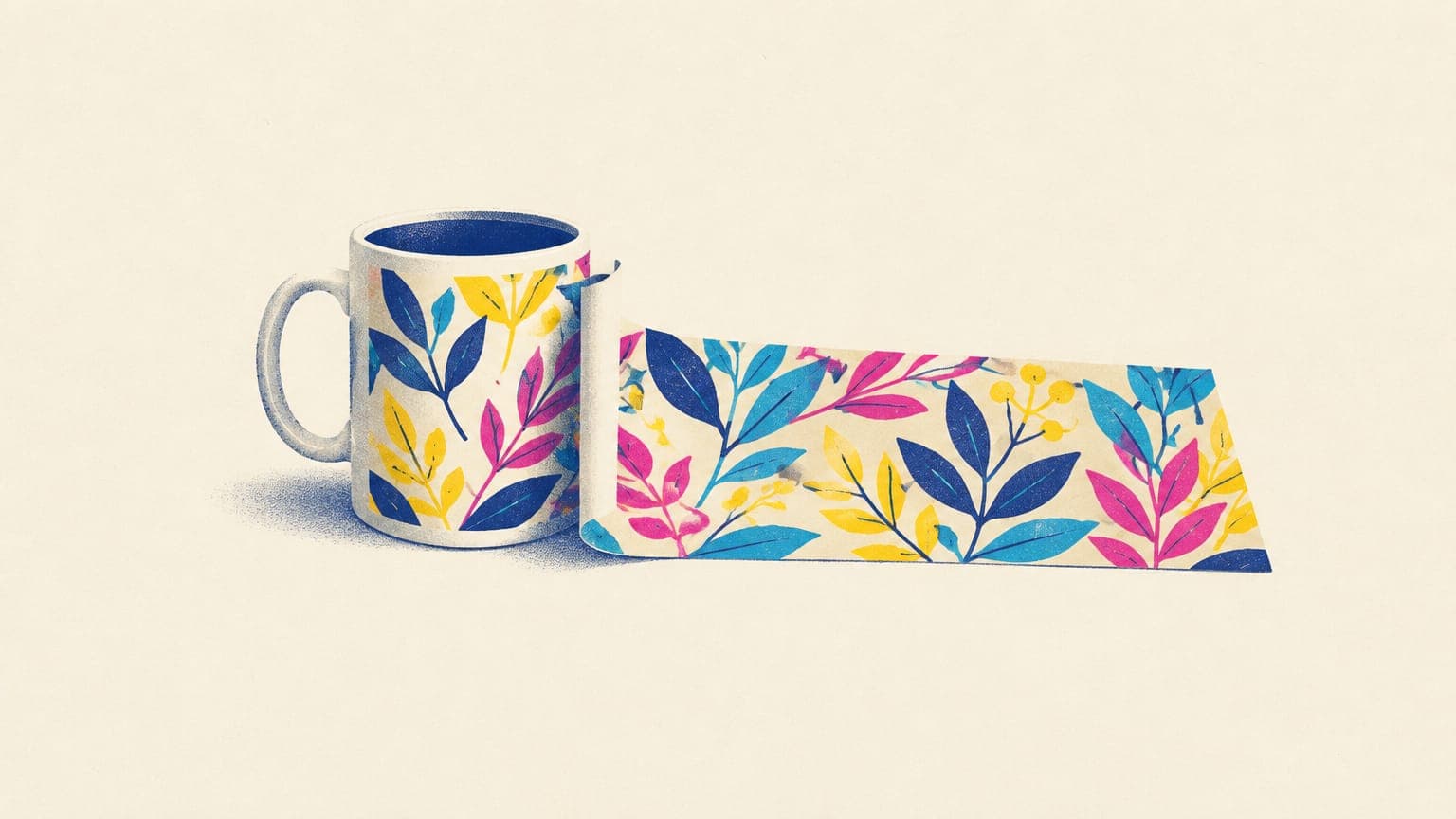
There’s no single mug design size, because every print-on-demand provider sets its own print area. The most common 11 oz template on Printify is 2475 × 1155 pixels (8.25 × 3.85 inches at 300 DPI), Printful’s 11 oz White Glossy Mug takes 2700 × 1050, and Gelato’s 11 oz print area is 200 × 96 mm, or about 2362 × 1134. A 15 oz mug is taller: 2475 × 1275 pixels on Printify’s main ceramic mug.
Below are the verified templates from the three biggest providers, how a flat file wraps around the handle, where text has to sit to survive printing, and a simple way to make one design fit every mug you sell.
Key takeaways
- Most 11 oz templates we checked are about 2,300–2,700 px wide and 1,050–1,210 px tall at 300 DPI; 15 oz templates run about 2,450–2,810 by 1,140–1,280.
- The left and right edges of a wrap file meet at the handle, so keep text and faces at least half an inch (about 150 px) away from them.
- Proportions differ as much as sizes: Printful’s 11 oz wrap is about 2.6 times wider than tall, Printify’s and Gelato’s about 2.1, so one file can’t simply be resized for all three.
- Aim for 300 DPI at print size. A 1,024 px AI image stretched across an 8.25-inch wrap prints at only about 124 DPI.
- Design one master slightly larger than every template, keep key elements in the middle, then export an exact-size file per product.
Mug design sizes by provider (September 2026)
These are the print areas listed in each provider’s catalog or help center when we checked in September 2026. Printify sets print areas per product and print partner, so its most-used mug listings are all included.
| Provider and product | Mug size | Print area | Pixels at 300 DPI |
|---|---|---|---|
| Printify: Ceramic Mug (all six partners) | 11 oz | 8.25 × 3.85 in | 2475 × 1155 |
| Printify: Ceramic Mug (all six partners) | 15 oz | 8.25 × 4.25 in | 2475 × 1275 |
| Printify: Accent Coffee Mug | 11 oz / 15 oz | 8.25 × 3.85 / 8.25 × 4.25 in | 2475 × 1155 / 2475 × 1275 |
| Printify: Mug 11oz and Mug 15oz (SPOKE) | 11 oz / 15 oz | 9.00 × 3.73 / 9.30 × 4.06 in | 2700 × 1120 / 2790 × 1219 |
| Printify: Black Mug (most partners) | 11 oz / 15 oz | 7.76 × 3.62 / 8.16 × 4.22 in | 2327 × 1086 / 2448 × 1266 |
| Printify: Enamel Camping Mug | 12 oz | 8.00 × 2.50 in | 2400 × 750 |
| Printify: Latte Mug | 12 oz | 6.63 × 3.99 in | 1988 × 1196 |
| Printful: White Glossy Mug | 11 oz / 15 oz | 9 × 3.5 / 9 × 3.8 in | 2700 × 1050 / 2700 × 1140 |
| Gelato: White ceramic mug | 11 oz | 200 × 96 mm | ≈ 2362 × 1134 |
| Gelato: White ceramic mug | 15 oz | 213 × 103 mm | ≈ 2516 × 1217 |
| Gelato: White enamel mug | 12 oz | 180 × 60 mm | ≈ 2126 × 709 |
Print areas from the Printify and Printful catalogs and Gelato’s help center, checked September 2026. Gelato lists millimeters, converted here at 300 DPI. Templates change, so confirm in the product editor before you export.
Two things jump out. First, “11 oz” covers a spread of roughly 400 pixels in width, and one Printify partner uses a much shorter 2363 × 863 area on its budget 11 oz mug. Second, the shape changes: Printful’s 11 oz wrap is about 2.6 times wider than it is tall, while Printify’s main mug and Gelato’s are about 2.1. A layout that fills one template edge to edge will be cropped or padded on another.
Why mug templates differ so much
A standard 11 oz mug is about 3.2 inches across, so its body is roughly 10 inches around. No provider prints all of it: the handle takes up part of the circumference, and the transfer needs clearance around it. That’s why print areas run from about 7.5 to 9 inches wide rather than the full 10.
Height works the same way. Printful’s 11 oz mug stands 3.8 inches tall, but its print area is 3.5 inches, leaving a small unprinted band at the rim and base. Each partner uses its own blanks and presses, so each sets its own safe numbers. The printing method matters too: most ceramic mugs are sublimated (the design is printed on transfer paper and heat-pressed into the mug’s coating), while some stainless and specialty drinkware is UV-printed directly, often with smaller front and back areas instead of a full wrap. Tumblers follow the same logic with a much taller wrap, covered in our tumbler template size guide.
How a flat file wraps around the mug
Picture the print file as a label wrapped around the mug. Its left and right edges end up on either side of the handle, and the middle of the file sits on the side facing away from the handle. The two quarter marks, 25% and 75% of the way across, are the faces people see when the handle points left or right, which is also how listing photos usually show a mug.
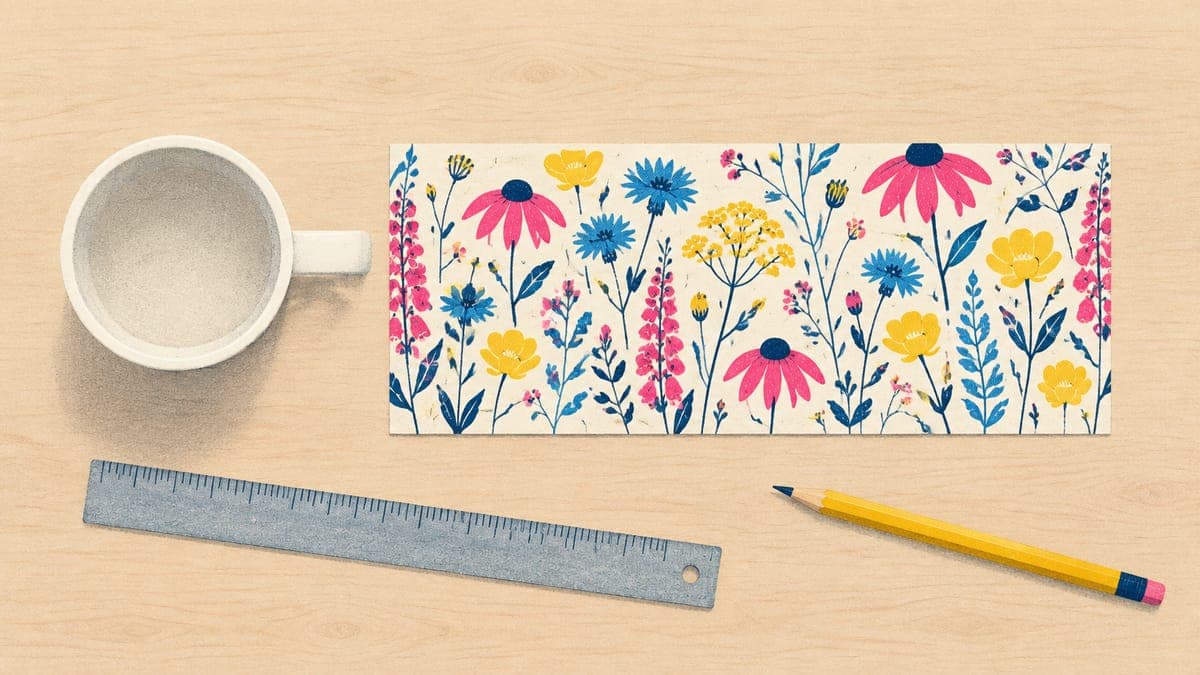
That gives you three reliable layouts. Positions below are for Printify’s 2475 × 1155 template:
| Layout | Where the art goes | Best for |
|---|---|---|
| One side | Centered about 620 px in from the left or right edge (the 25% or 75% mark), up to about 1,000 px wide | Short quotes, single graphics, names |
| Two sides | Two copies, or two related designs, centered on the 25% and 75% marks, each up to about 1,000 px wide | Text-led designs that should read whichever hand holds the mug |
| Full wrap | Artwork across the whole file, with any text on a quarter mark or in the center | Patterns, landscapes, skylines, all-over florals |
Scale these positions to other templates by percentage. Check the provider’s mockups for both handle directions.
Which side faces the drinker depends on which hand holds the mug. If you print only one side, look at the provider’s handle-left and handle-right mockups before you publish, and consider a two-sided layout for designs that are mostly text.
Margins: handle, rim and base
- Handle edges. Keep text, faces and anything that must read as a whole at least 0.5 inch (about 150 px) from the left and right edges of the file. Backgrounds can run all the way to the edge.
- Rim and base. Keep text at least 0.2–0.25 inch (60–75 px) from the top and bottom edges. Sublimated prints can land slightly differently from one mug to the next, and text that hugs an edge is the first thing to look crooked.
- Bleed. Most mug templates already equal the printable area. Extend backgrounds to every edge of the file rather than adding extra canvas, unless the template shows a separate bleed zone.
- Colored mugs. On accent mugs the rim, handle or inside is colored, so a design that echoes that color ties the product together. On black and color-changing mugs the surface isn’t plain white, so follow the partner’s file notes.
How many pixels does a mug design need?
Mugs are held close and the glossy surface shows detail, so aim for 300 DPI at the printed size. Printify’s mug listings recommend 300 DPI and set 150 DPI as the minimum. On an 8.25-inch-wide wrap, that’s 2,475 pixels across for the target and about 1,240 as the absolute floor.
This is where AI images catch people out. A 1,024-pixel image stretched across the same wrap prints at about 124 DPI; even a 2,048-pixel image lands at about 248. For a full wrap, generate at high resolution, upscale carefully, or build the design as a vector so it renders crisply at any size. Our guide to pixels, inches and DPI covers the math, the upscaling guide shows how to rescue a small file, and flat artwork can often be vectorized for print instead.
Free print DPI checkerUpload your mug design and see how wide it can print sharply before you place it on a template.One master file for every mug
If you sell the same design on several mugs or with more than one provider, don’t design for one template and hope. Build a master and export from it:
- Start big. Make the master 3000 × 1300 pixels. That’s wider than every standard 11 oz and 15 oz template in the table and about as tall as the tallest, so each export is a scale-down.
- Keep a safe zone. Put all text and key artwork inside the middle 80% of the width and the middle 85% of the height, and fill the rest with background or pattern.
- Export per template. Scale the master until it covers the template, crop the overflow evenly, and save a PNG at exactly the template’s pixel size.
- Re-lay out the odd shapes. Enamel camping mugs (about 8 × 2.5 inches) and latte mugs have very different proportions, so give them their own layout rather than a crop.
- Preview every size. Check 11 oz and 15 oz mockups separately; text that clears the handle on one can crowd it on the other.
Get mug files at the exact print size
POD Made Easy renders your final at the print-area pixel size of the mug you pick, checks its resolution and spell-checks any text, then places it on the print area with a live DPI check and creates the product in your Printify shop.
Start your free trialDesign tips that survive a curved, glossy surface
- Go bold. Gelato notes that strong colors reproduce better on ceramic than pastels and fine tints, which can look faded. If your palette is soft, order a sample before you list it, and keep files in sRGB (our RGB vs CMYK guide explains why).
- Make text readable at arm’s length. As a rule of thumb, keep the main words at least about 0.3 inch tall (about 90 px at 300 DPI) and avoid hairline strokes. Script fonts need extra size.
- Mind the curve. A line of text wider than about 3.3 inches (1,000 px) starts to disappear around the side of an 11 oz mug. Stack long phrases on two or three lines instead.
- Proofread letter by letter. A typo on a mug usually means a refund, and AI image models still misspell words.
- Leave room for names. Personalized mugs need space for the longest name you’ll accept. The personalization guide covers the order workflow.
- Show the real layout. Use mockups that show both sides and the handle, so buyers know exactly what they’re getting. Our Etsy mockup checklist has the full photo plan.
Try this idea in POD Made Easy
“Hand-drawn wildflower wreath with small bees, sage green and terracotta on white, centered for one side of an 11 oz mug” · text: “Coffee, Then Gardening”
Mug file checklist before you upload
- The pixel size matches the template for this exact mug, size and print partner.
- It’s 300 DPI at print size, and never below 150.
- Text sits at least 150 px from the handle edges and 60–75 px from the rim and base.
- The background extends to every edge of the file.
- It’s a PNG (or high-quality JPG) in sRGB.
- You’ve checked 11 oz and 15 oz mockups, handle left and handle right.
- Every word is spelled correctly at 100% zoom.
If you haven’t settled on a provider yet, the Printify vs Printful vs Gelato comparison covers quality and shipping. Once the file is right, the next question is whether the mug makes money after postage: our guide to selling print-on-demand mugs runs the numbers.
Frequently asked questions
- Can I put a square design on a mug?
- Yes. Place it on one side of the wrap, centered at the 25% or 75% mark, or use it twice for a two-sided mug. A square of about 1,000 × 1,000 pixels fits comfortably inside most 11 oz templates at 300 DPI.
- Do mug designs need a transparent background?
- Not usually. On a white sublimation mug, transparent and white areas both show the white glaze, so either works. It matters more on black, colored or color-changing mugs, where you should follow the provider’s file notes for that product.
- Is a 15 oz mug design just a bigger 11 oz design?
- No. The 15 oz print area is taller but often the same width (2475 × 1275 vs 2475 × 1155 pixels on Printify’s main ceramic mug), so the proportions change. Re-crop or re-lay out the design for each size instead of stretching it.
- Why does my printed mug look lighter than my screen?
- Screens glow and ceramic doesn’t, and sublimation can’t reproduce every bright RGB color. Pastels and fine tints suffer most. Use bolder colors, keep files in sRGB and order a sample before you list a new palette.
- What template should I use for my own sublimation mug press?
- It depends on your blank and your press, so measure: the printable height, and the distance around the mug between the two sides of the handle. Export at 300 DPI. For print-on-demand, always use the provider’s template instead of a generic one.
Keep reading
More design guides
Design
Hoodie Design Size: Print Areas, Pixels and Placement (2026)
Hoodie design size for print-on-demand: real print areas from Printful’s catalog, pixels at 300 DPI for front, back, sleeves and left chest, and placement tips.
Sep 24, 2026 · 10 min read
Design
20 oz Skinny Tumbler Template Size (and POD Print Areas)
The 20 oz skinny tumbler template size for straight and tapered tumblers, plus real Printify tumbler print areas in pixels, seams, bleed and design tips.
Sep 24, 2026 · 8 min read
Design
Poster Print Sizes and Ratios: A Wall Art Cheat Sheet
Poster print sizes and ratios for wall art: US and A-series sizes, pixel dimensions at 300 and 150 DPI, which ratio to design in, bleed and frame tips.
Sep 24, 2026 · 9 min read